Rodrigo Azevedo Bucek
Portfolio
KEMURI
To be releasedRole: Environment Technical Artist
Houdini Hive Tokyo 2025 Talk
At Houdini Hive Tokyo 2025, I presented part of our work on KEMURI alongside my friend and colleague Kieran Belkus. My section focused on the Houdini tools I developed for the Environment Art team, and how we integrated them into the production workflow through Houdini Engine and Unreal Engine.
The needs of the project
The city layout was created by the Art and Design teams. We wanted to preserve that hands-on approach, rather than have the city generated procedurally.
Level Designers and Environment Artists needed flexible tools that could handle much of the repetitive work while leaving room for artistic decisions and adjustments. Flexibility was just as important as automation.
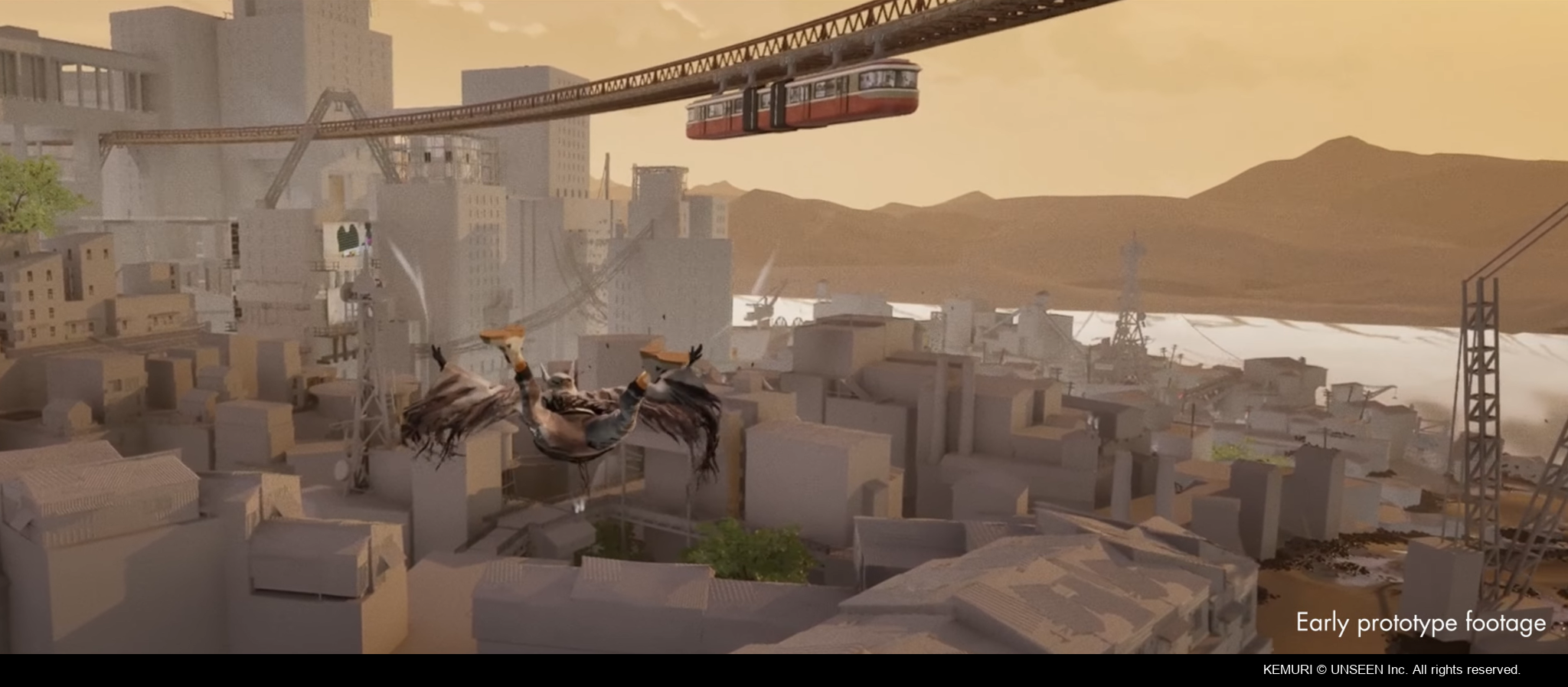
Procedural tools were used to build most of the city environment, including buildings, stairs, ground surfaces, power poles and cables.
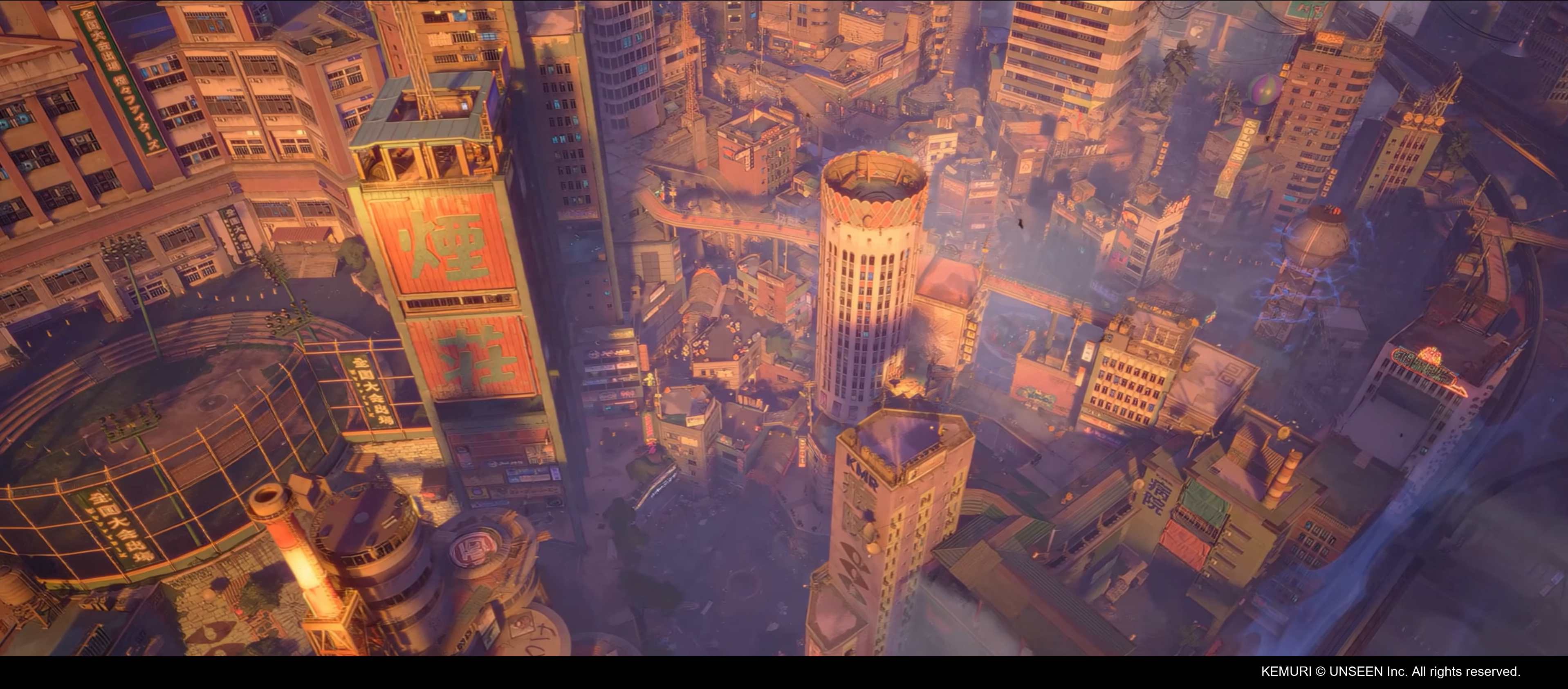
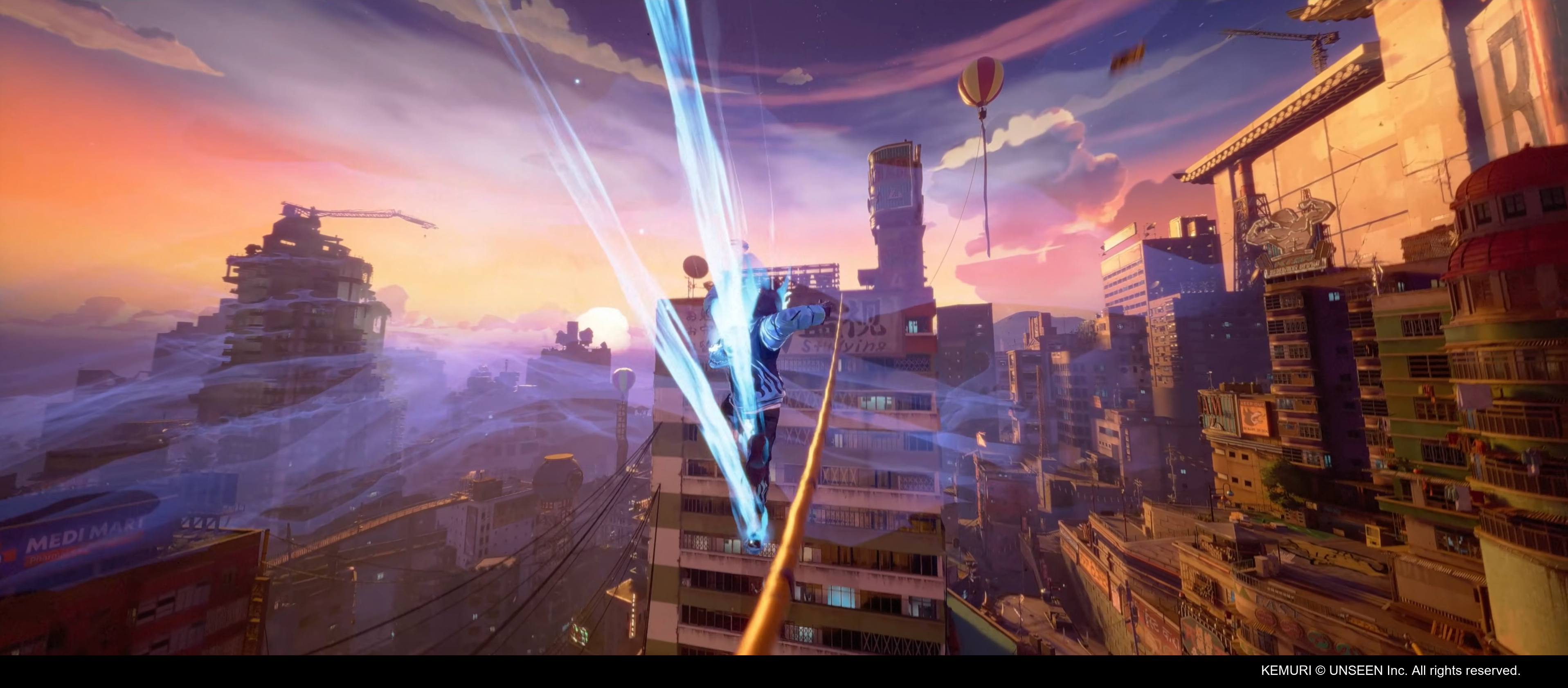
We use Houdini Engine to bridge Houdini with Unreal. Artists can place HDA actors (Houdini Digital Asset actors) directly in the level, which are left there unless it needs to baked, making it easier to iterate and reflect tools updates.
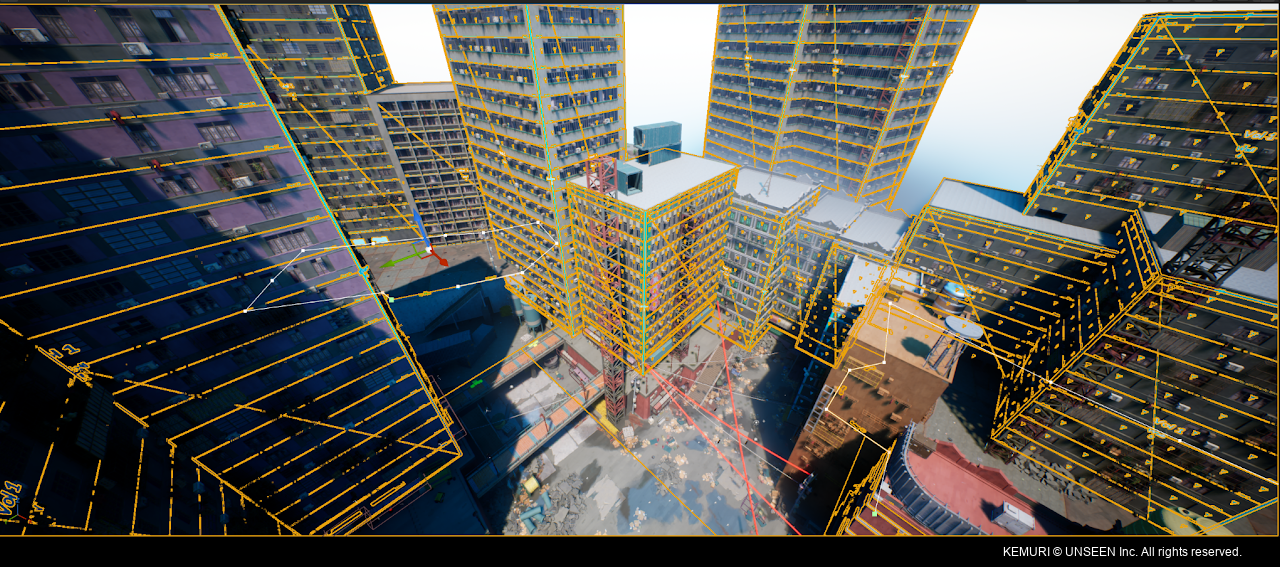
Building Generator
A grammar-based system allows the generator to support different building styles and configurations. New styles can be added by creating new modules and registering them via script tools.
The generator can adapt to a variety of building footprints and shapes and the buildings are assembled from modular assets created by the Environment Art team, allowing artists to control the quality and artistic aspects of the buildings.
Ps. The 3d assets instanced by the tool were created by the amazing members of the Environment Team and outsourcing
Module information is stored in Unreal Data Tables, providing a central place to manage the assets used by the generator. (No direct input to HDA actors)
To allow that I created scripts to automate the registration of modular assets in these Data Tables, reducing as much of manual setup as possible when adding new modules.
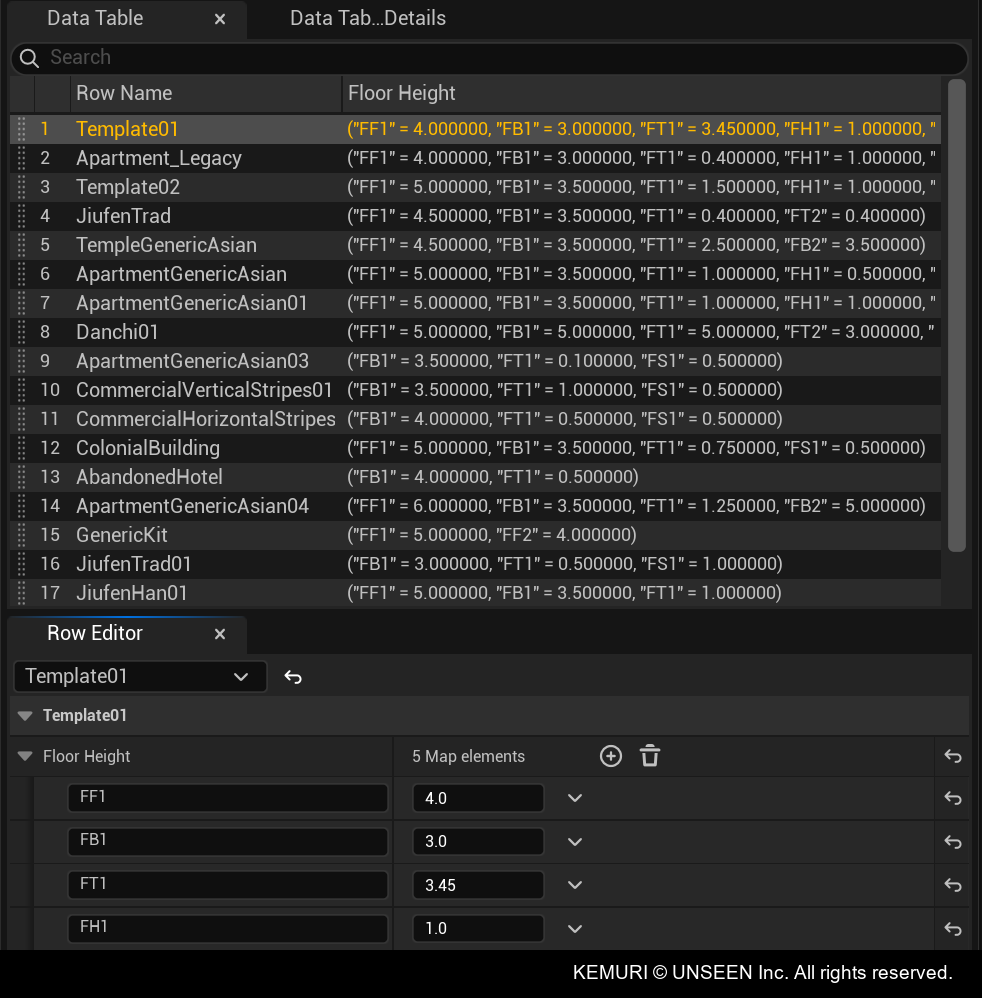
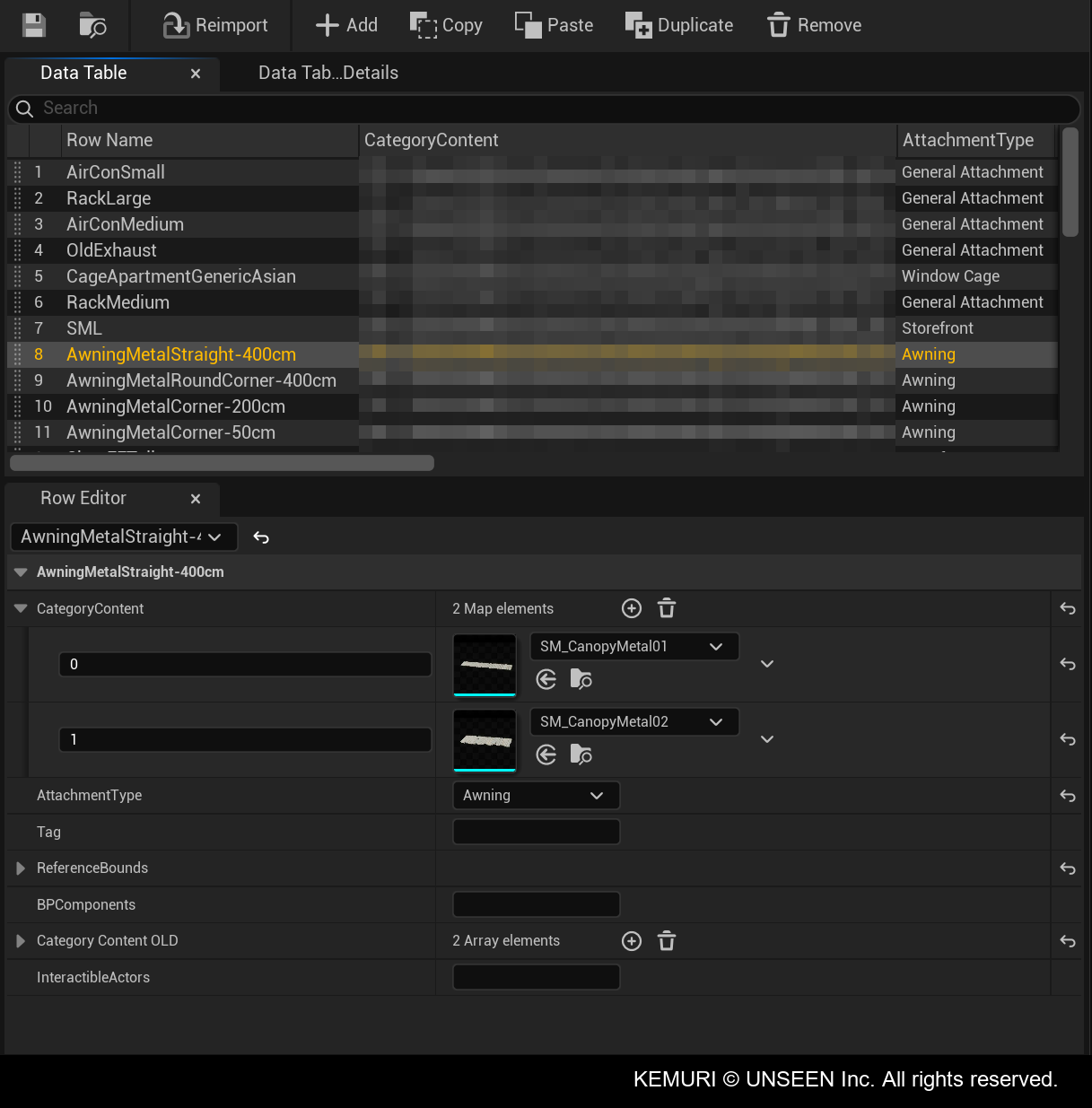
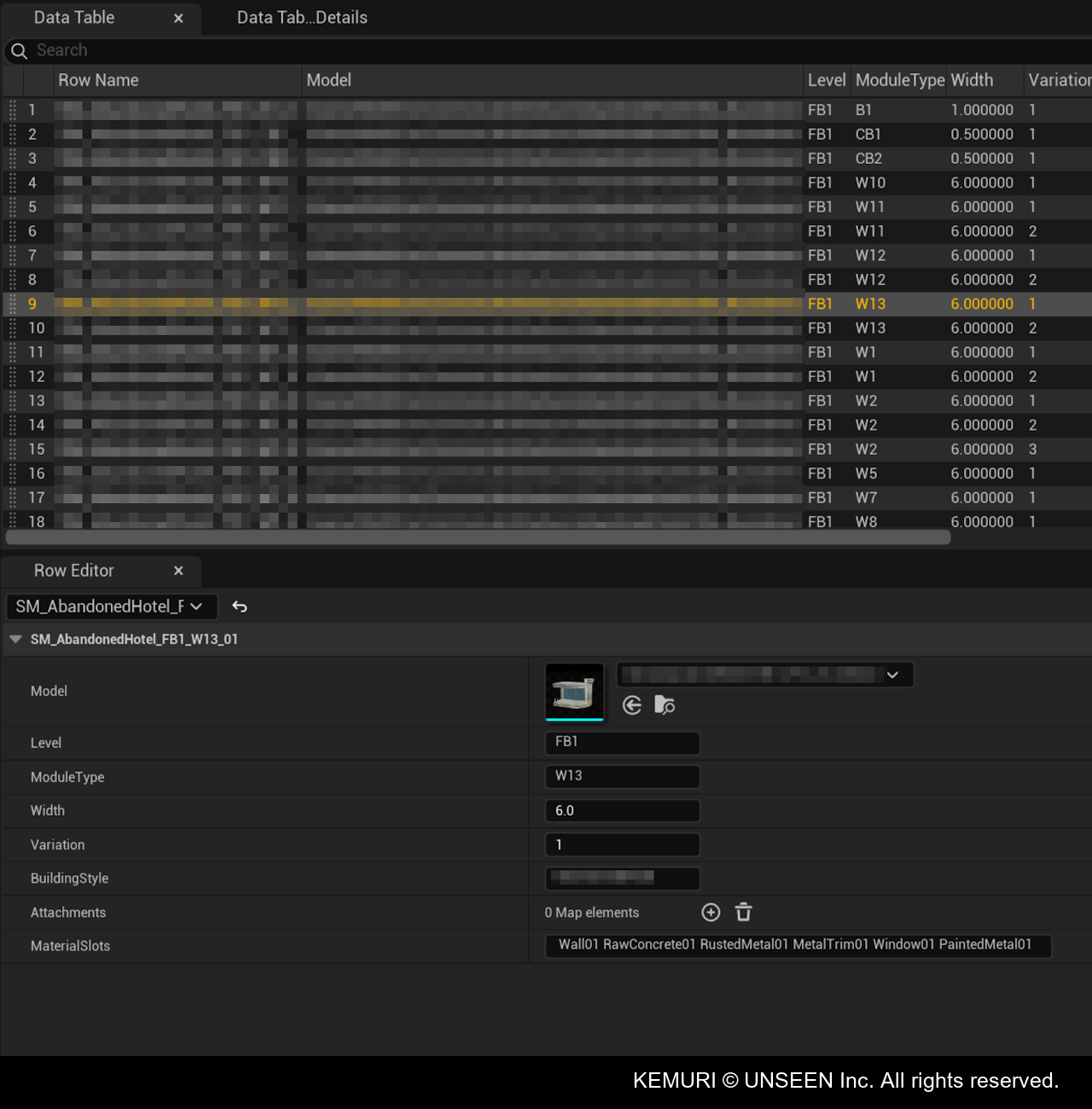
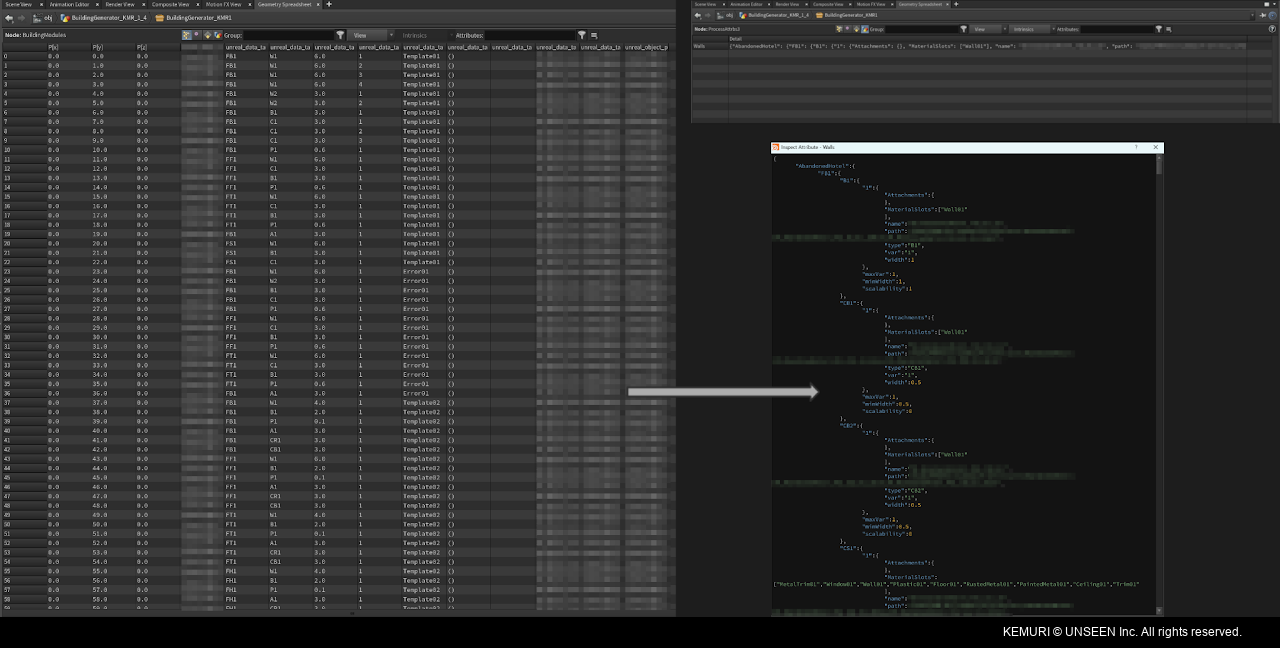
The Data Tables are then imported into Houdini through the HDA actor and the data is organized into dictionaries, making it easier for the generator to access the relevant assets and relevant properties.
Artists can use curves or custom geometry to define building shapes, giving them more control over the generator's input.
The input geometry is processed through Boolean operations and VEX to clean up and separate the resulting shapes. The generator then creates floor and wall placement points, which are used to instance modular assets.
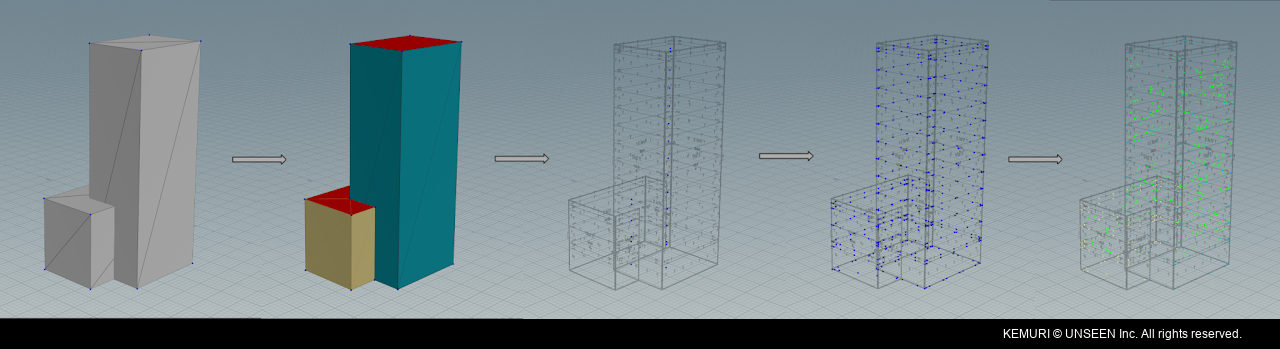
Simplified proxy geometry is used to help identify and clean up module intersections, as well as support roof generation. Those are also used to create custom box collisions for the buildings walls in order to keep them light and avoid having hundreds of collisions per building as using the modules default collision would do.
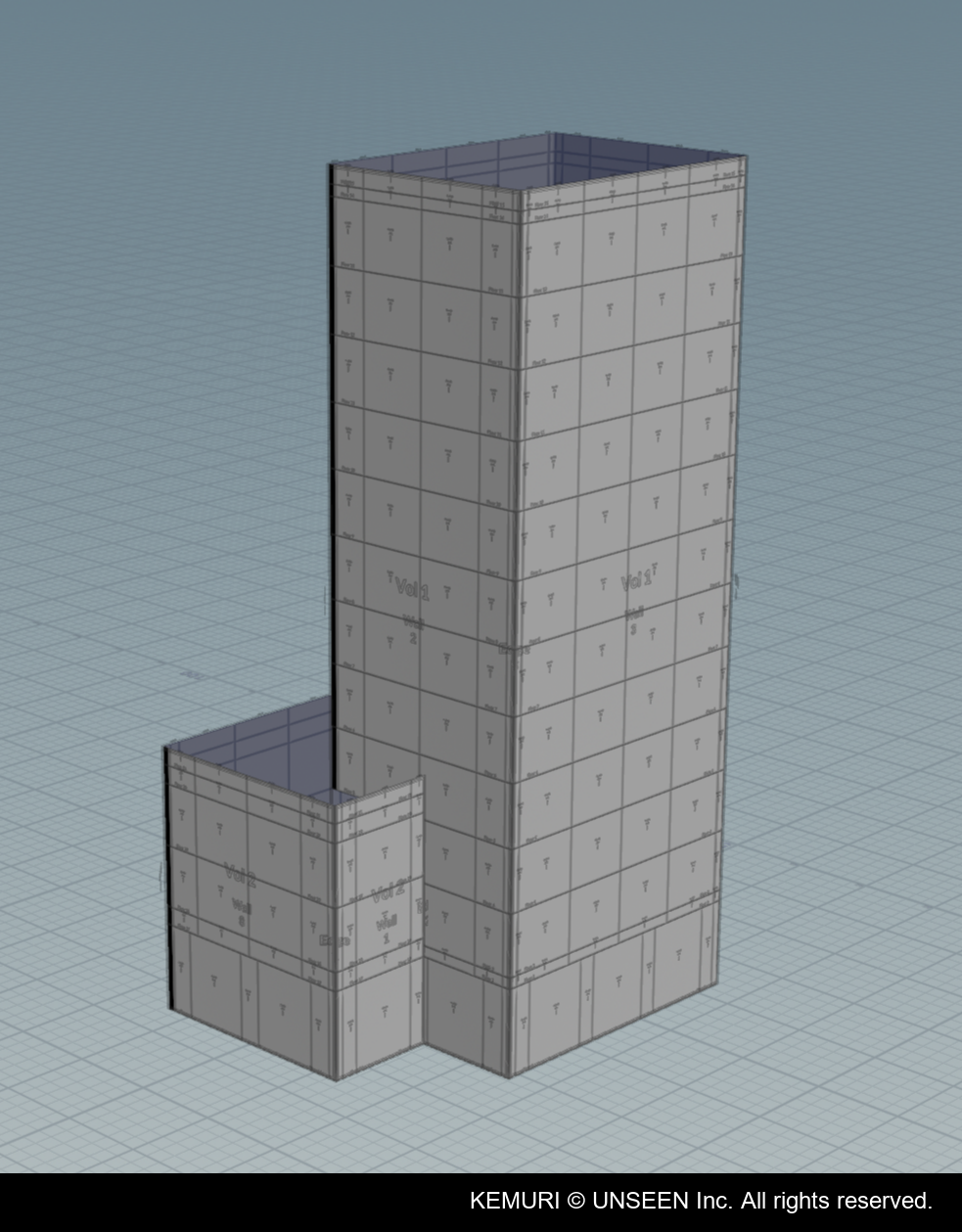
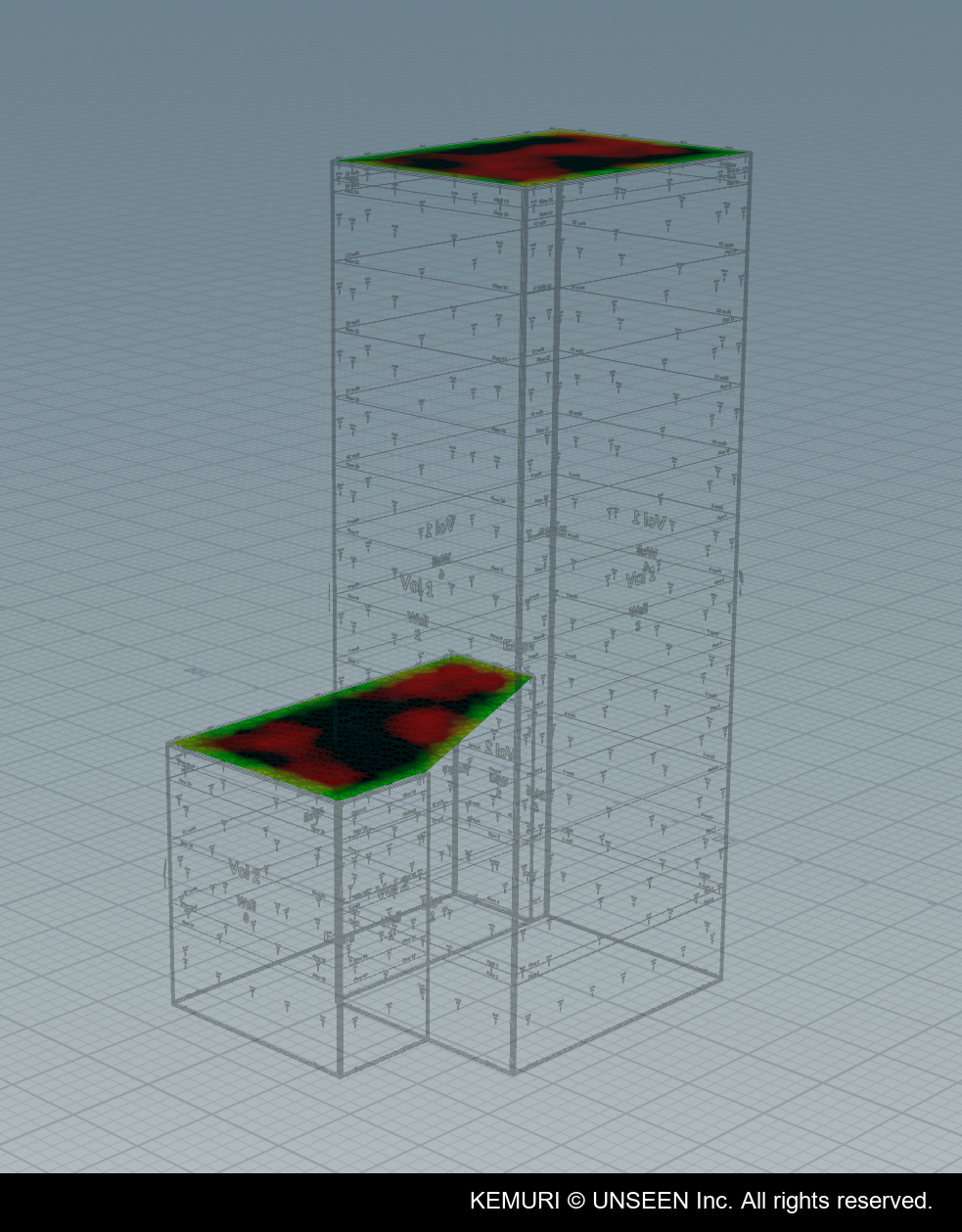
The generator (as most other Houdini tools) uses IDs to expose customization controls. Artists can use those override wall and floor grammars, corner types, materials and attachments.
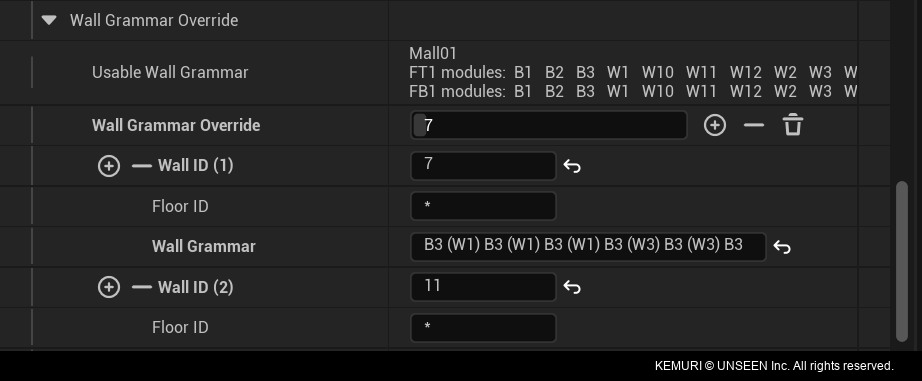
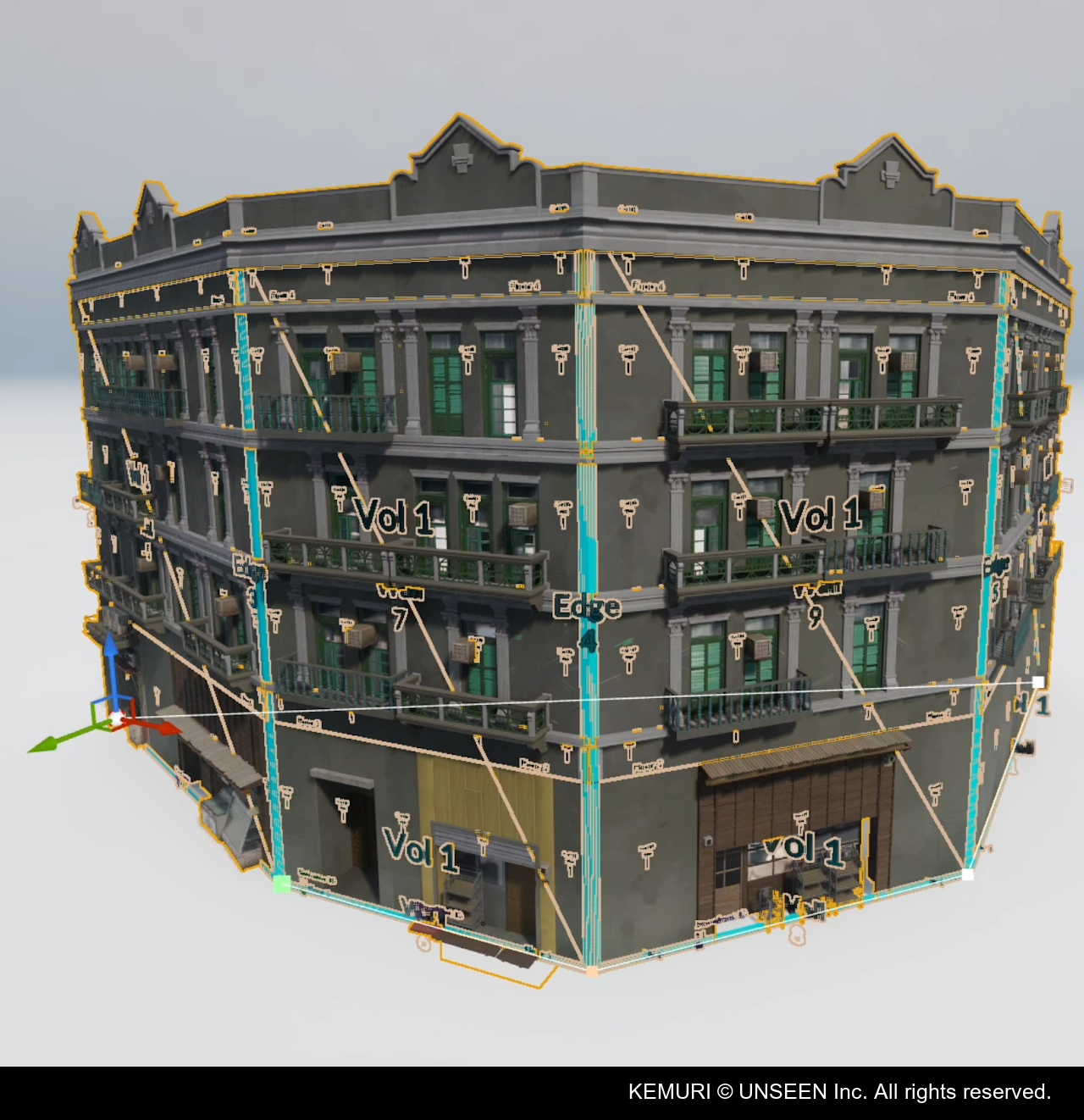
Walls, columns and Edge IDs let artists customize specific parts of a building, including wall types, materials and corner configurations.
Stairs Generator
The stairs generator was designed for both Level Design and Environment Art, allowing both teams to create and modify stairs easily, as those can be quite a bit of work to iterate manually.
The stairs needed to be able to handle irregular, organic shapes rather than being limited to straight or uniform staircases.
It supports different stair styles, including concrete, tiled and stone stairs.
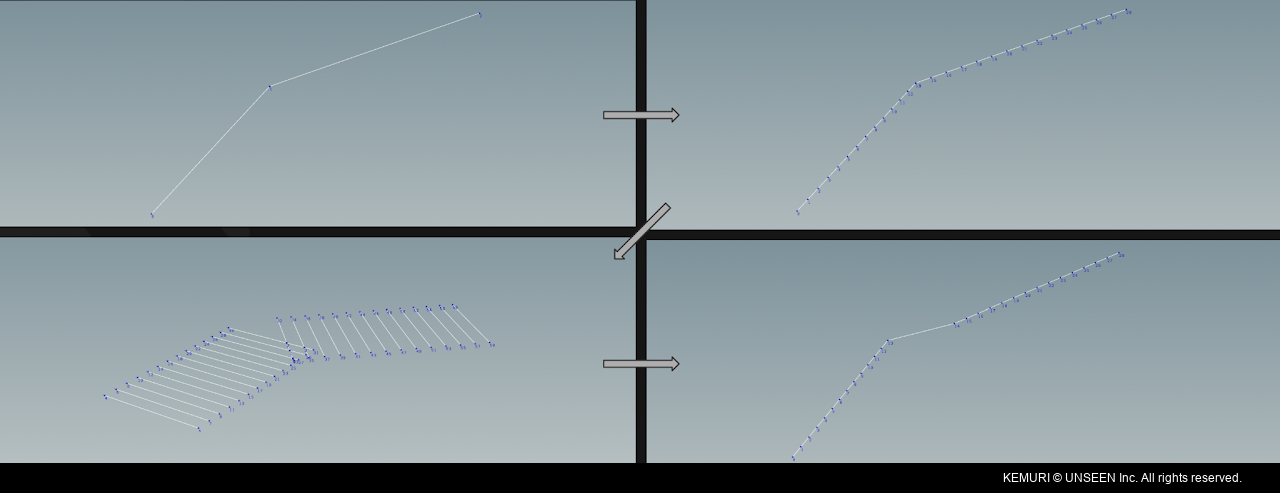
The input shape is processed to calculate step intersections and create flat areas. From this, the generator builds a base mesh used to create the steps, side blocks, handrails and other parts of the staircase.
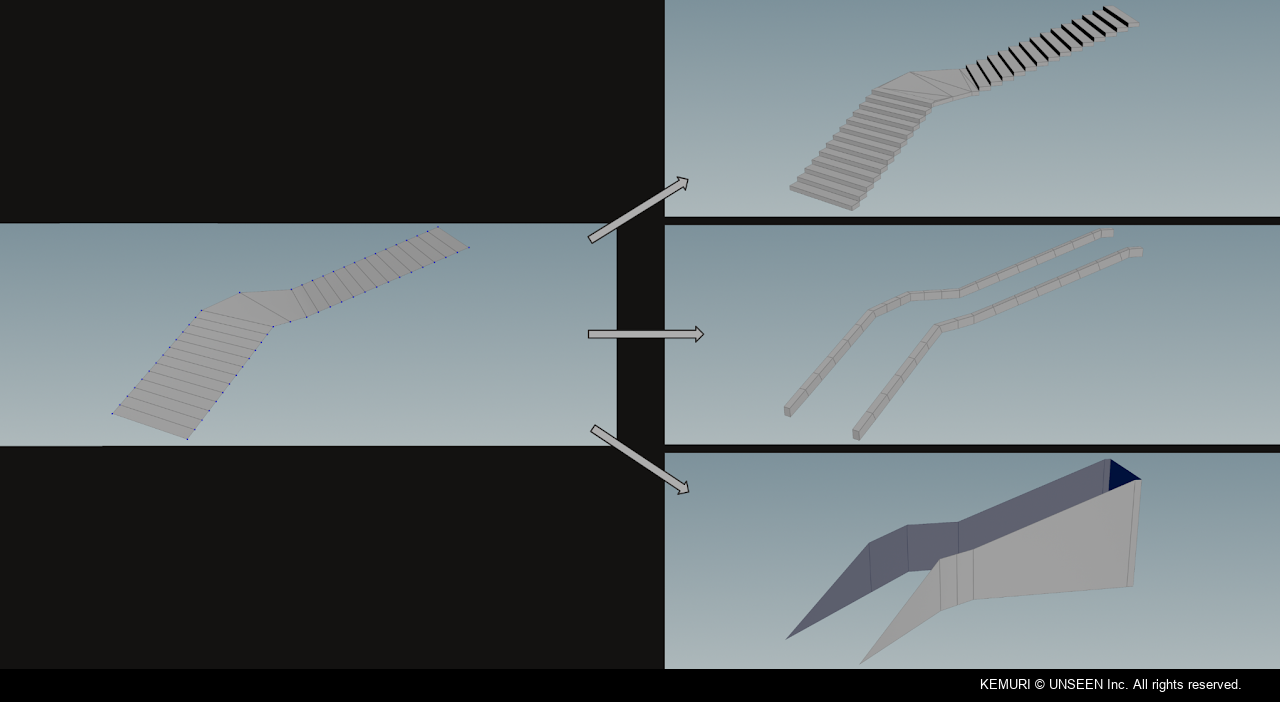


The tool can also scatter details such as debris, pebbles and plants as instanced static meshes, adding variation around the stairs without requiring manual placement.
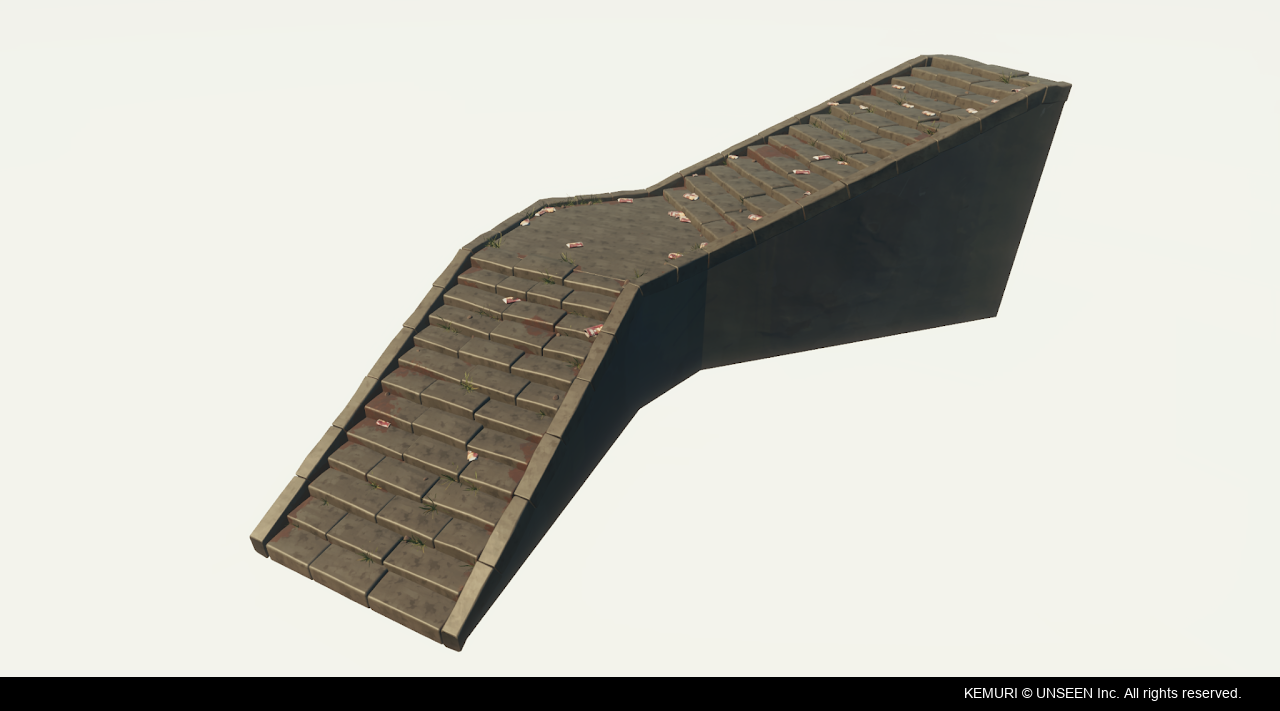
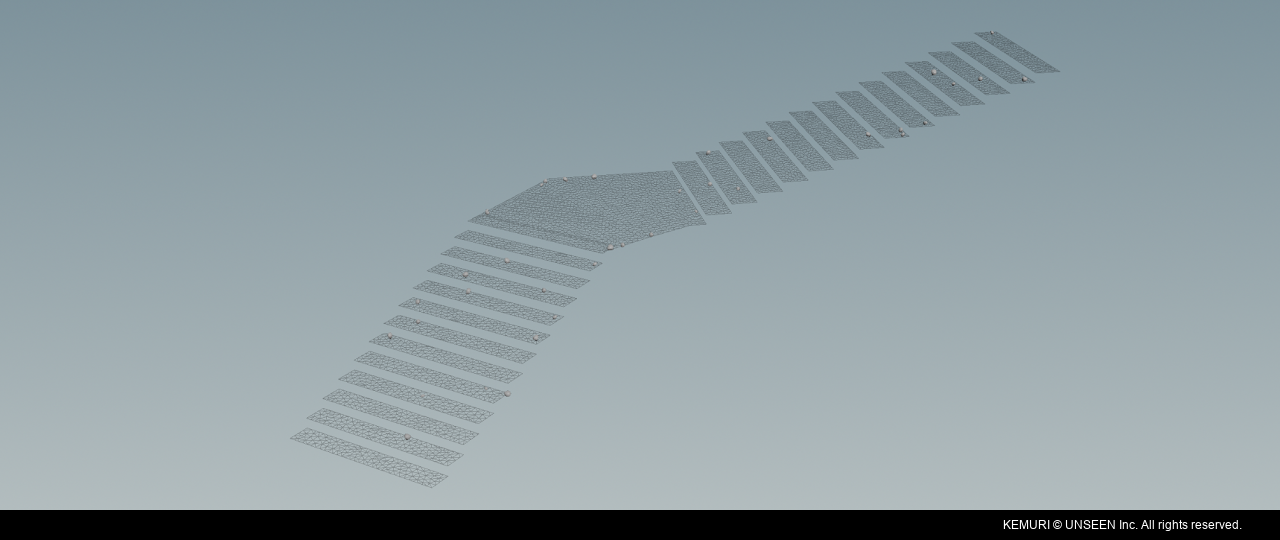
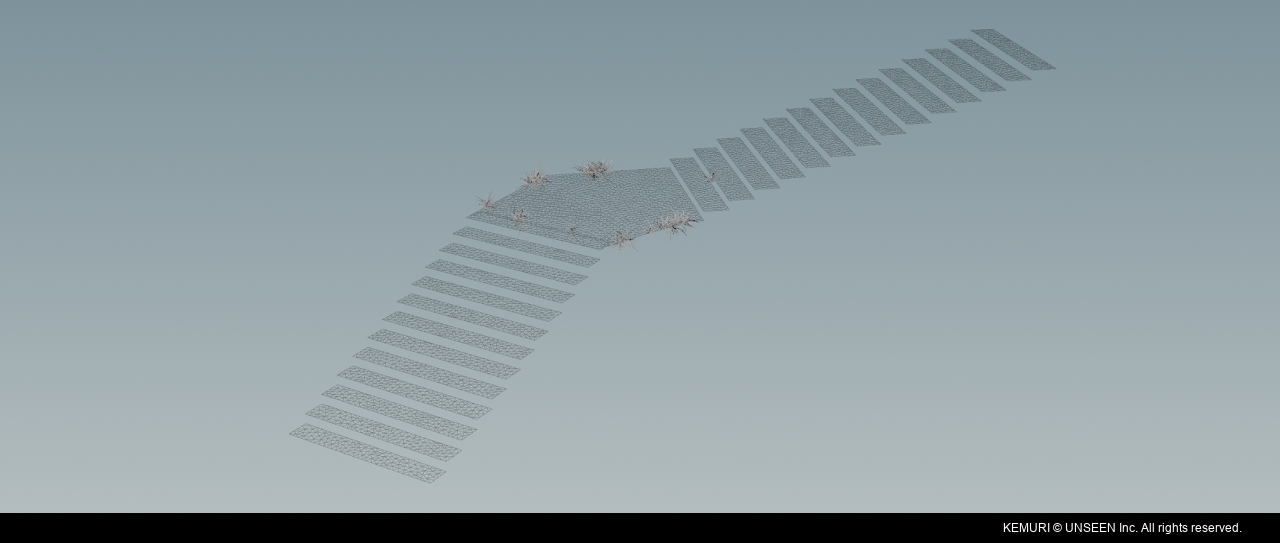
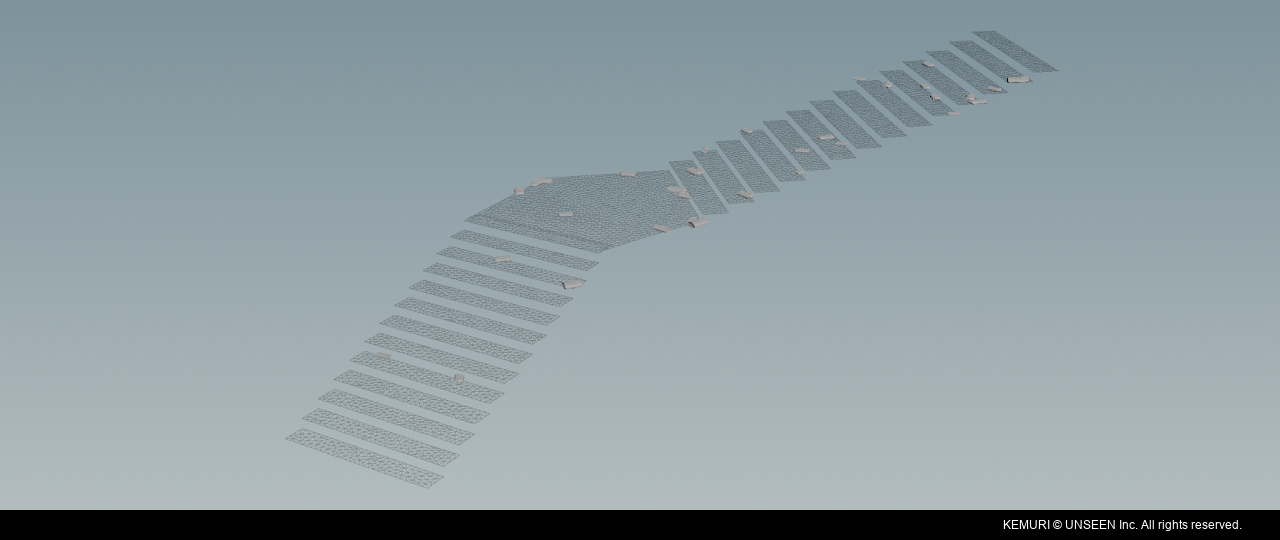
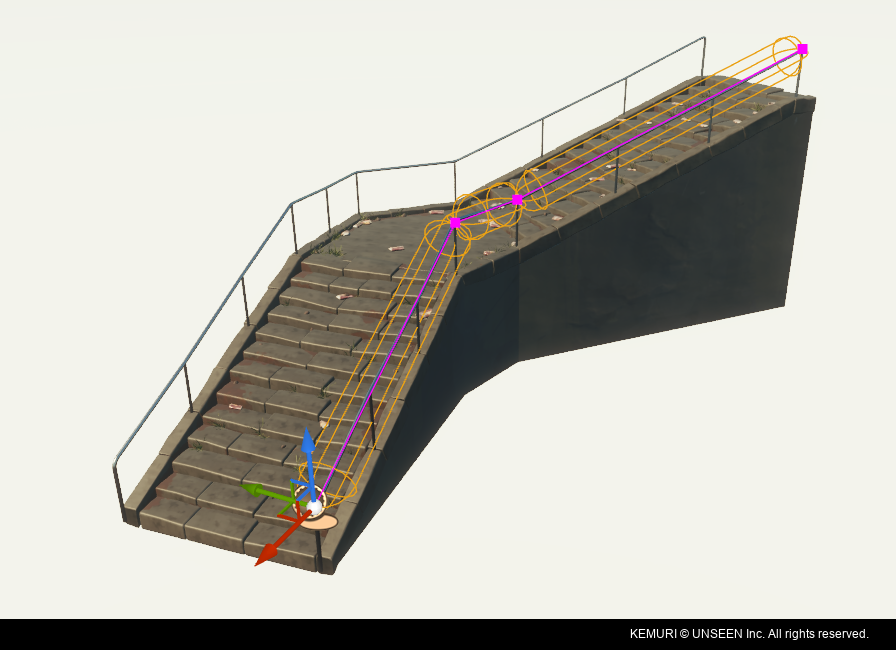
It can also pass its spline data for gameplay purposes to Unreal through a String parameter. A corresponding Blueprint reconstructs the curve on the Unreal side, making the generated shape to gameplay systems.
Wall Generator
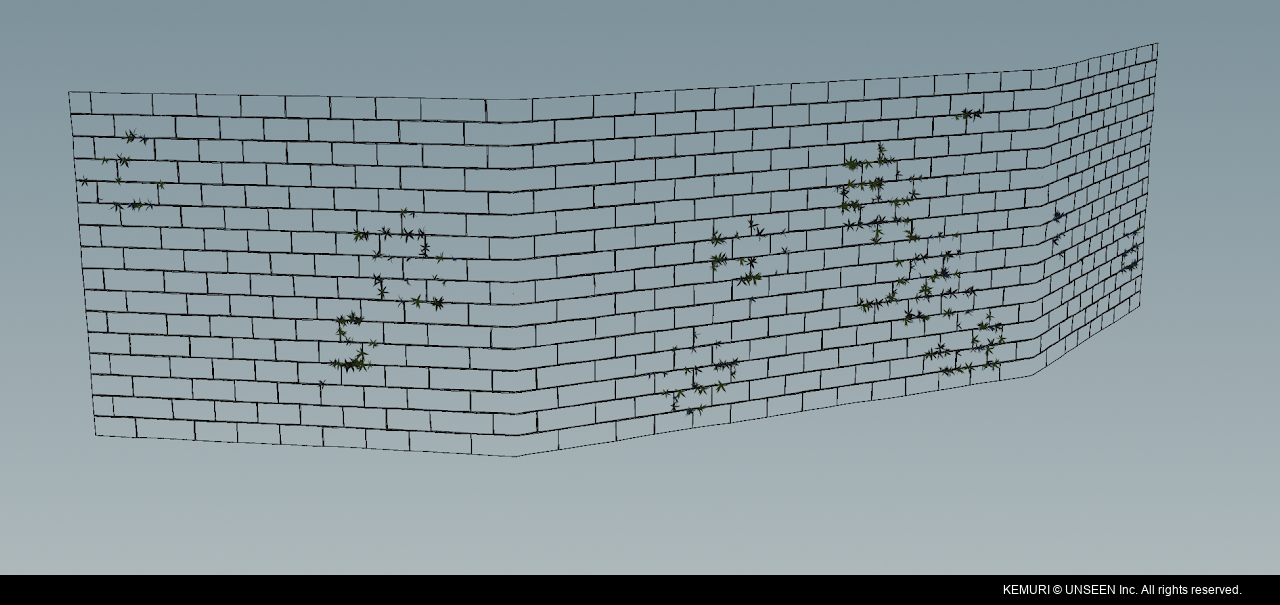
The goal was to make it quick to create detailed walls while keeping the setup flexible for artists.
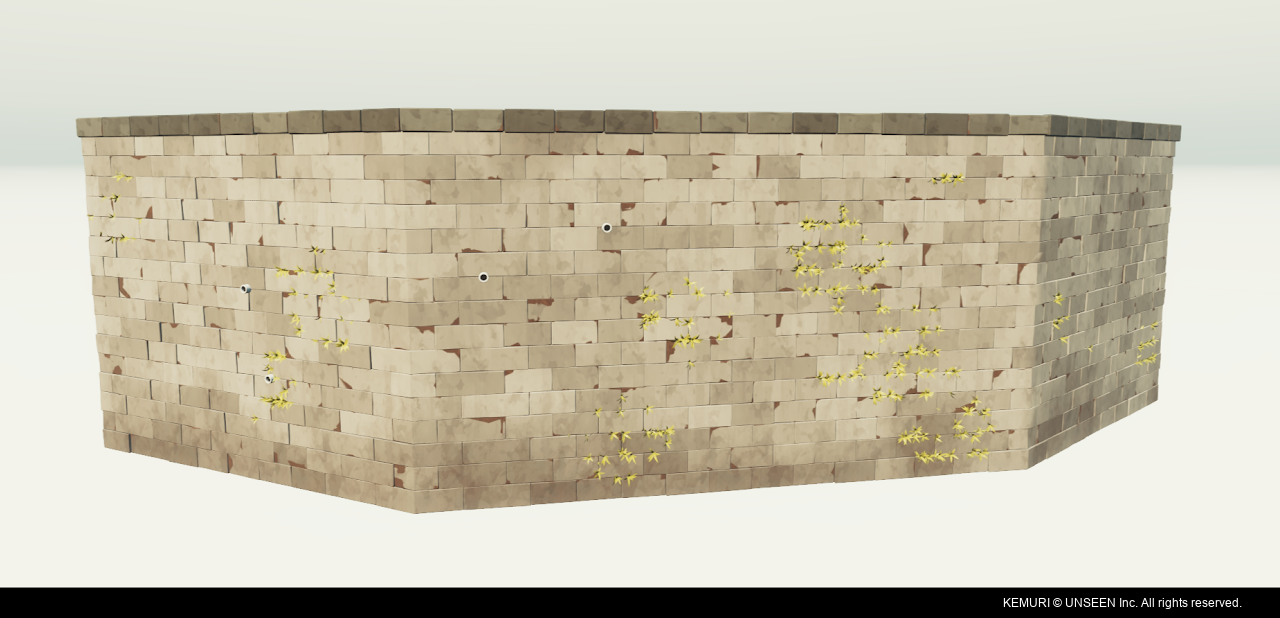
Geometry is used to give the walls physical depth and variation, rather than relying only on flat surfaces or textures.
The generator supports several wall styles, including concrete, brick patterns and the mountain-grid wall design.
Artists can use either splines or custom geometry to define more complex wall shapes.
Each wall type uses an approach suited to its structure and visual requirements.
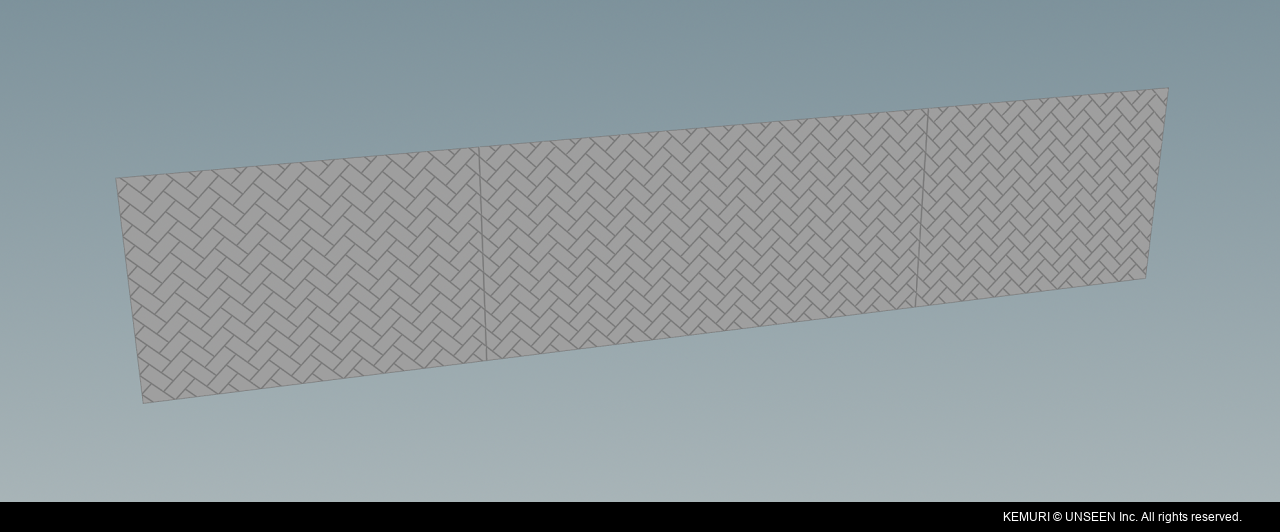
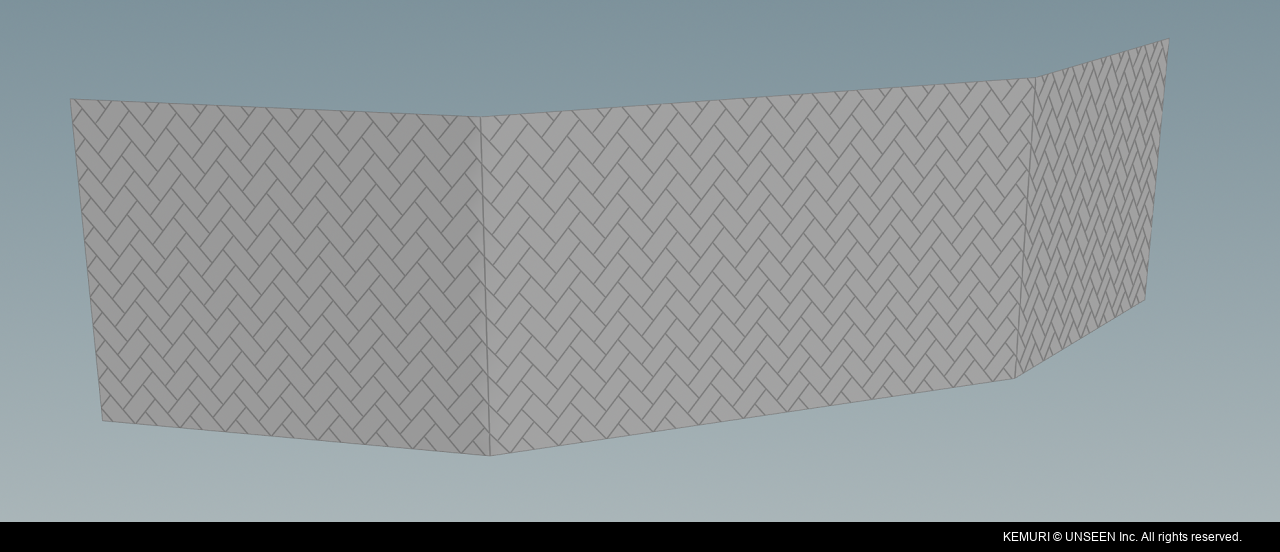
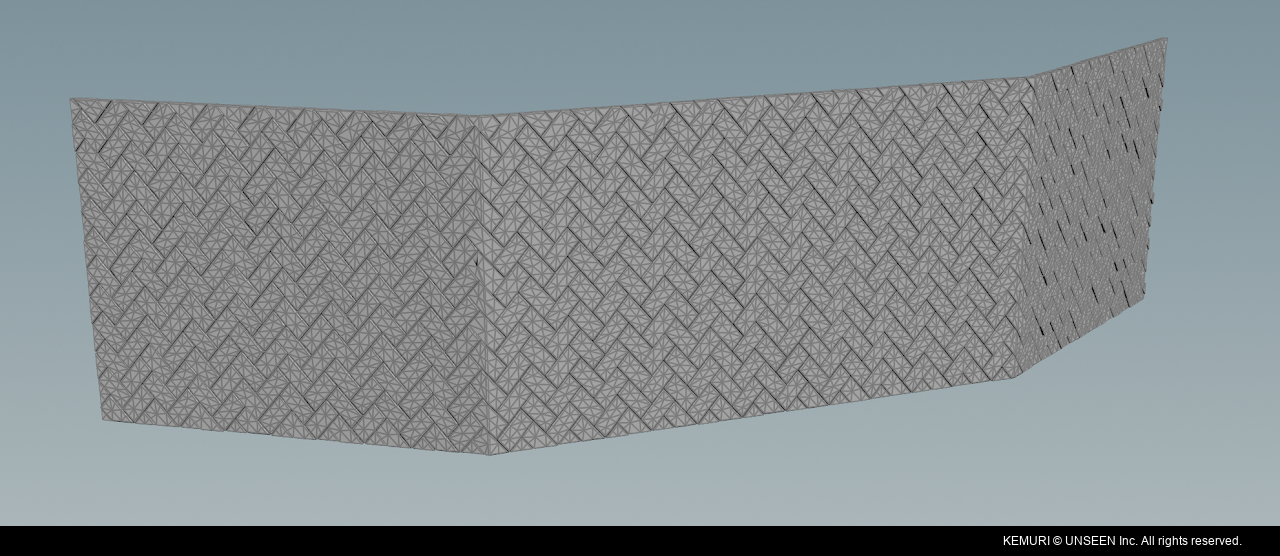
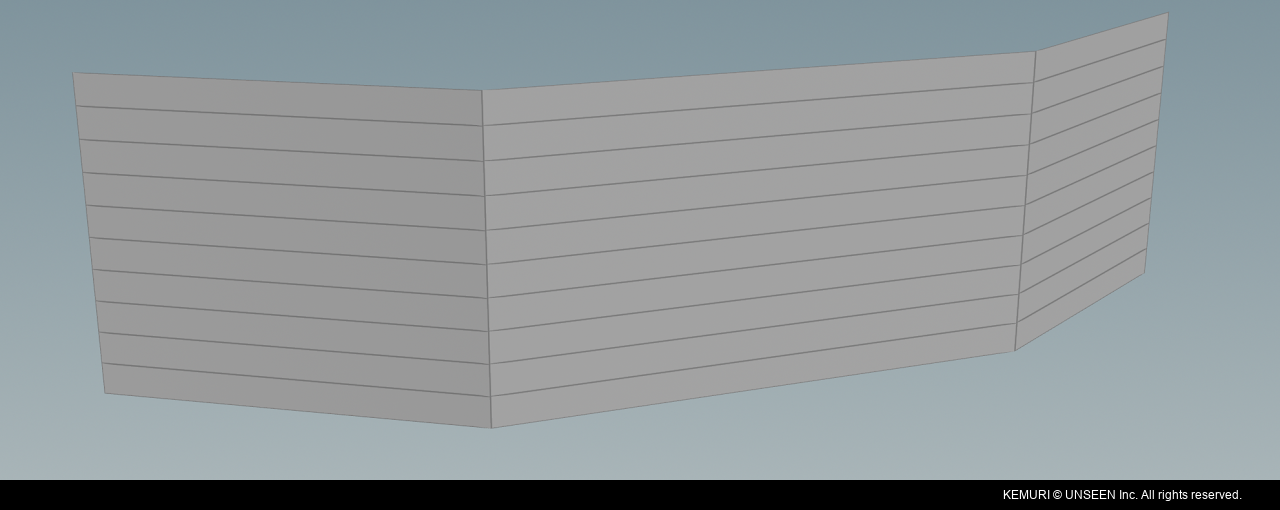
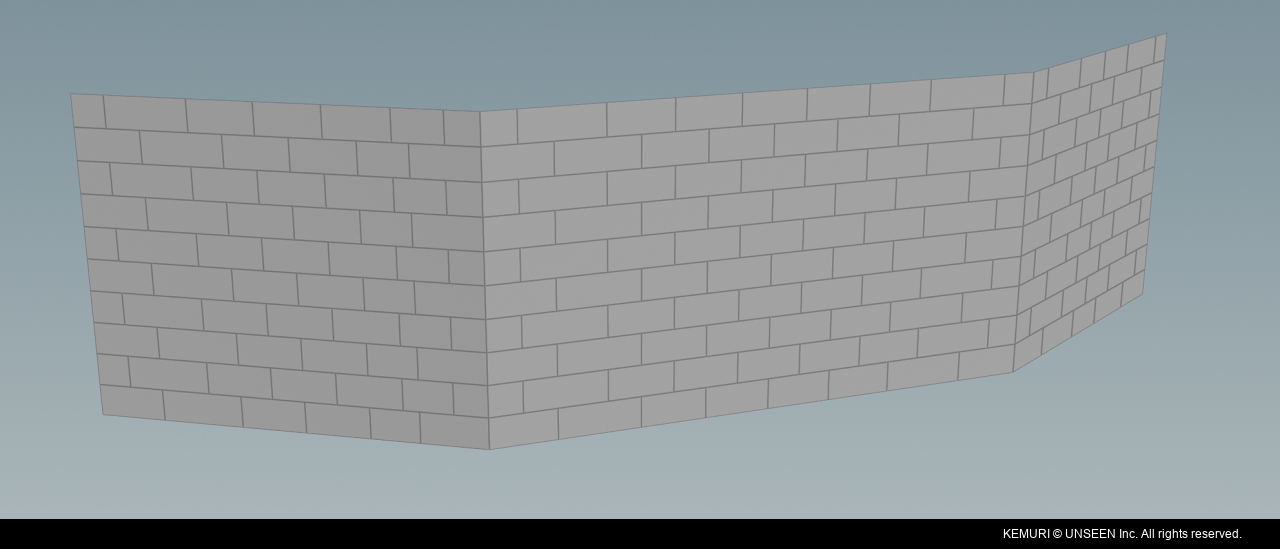
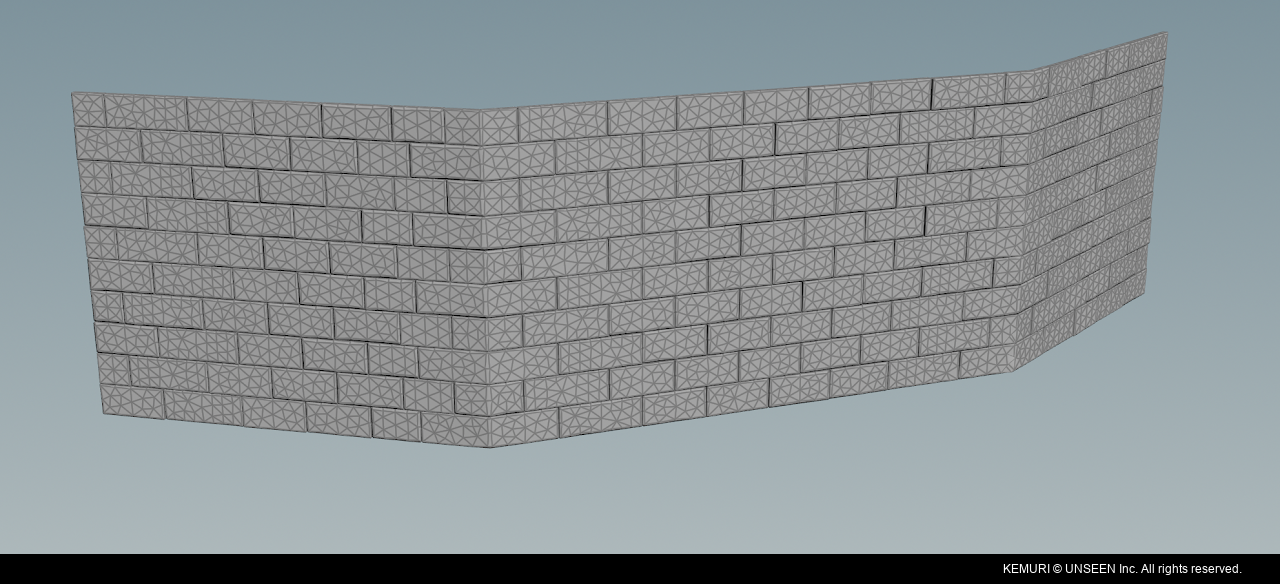
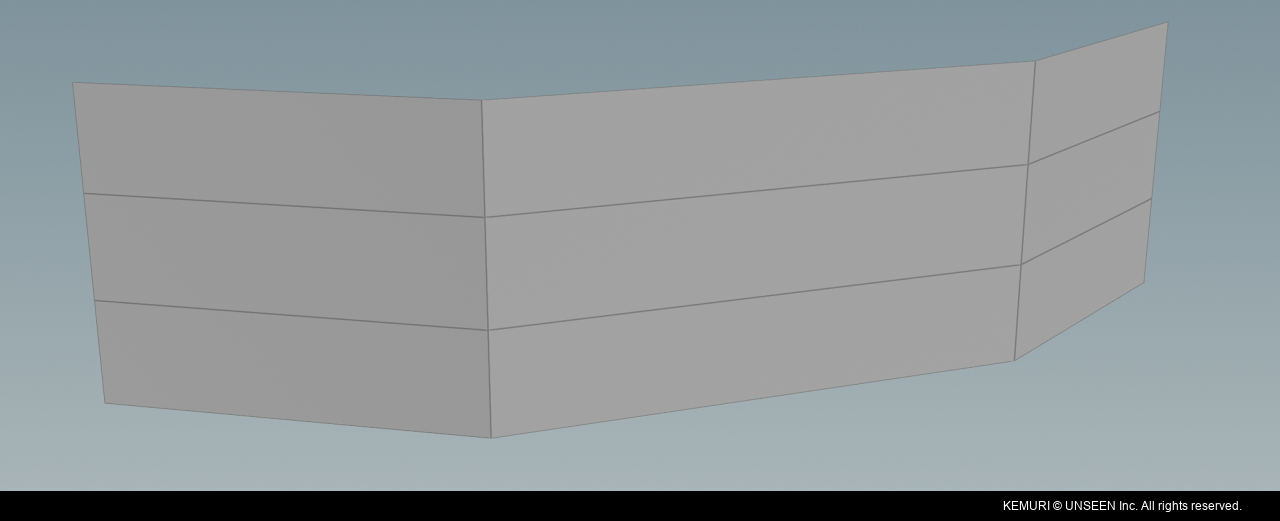
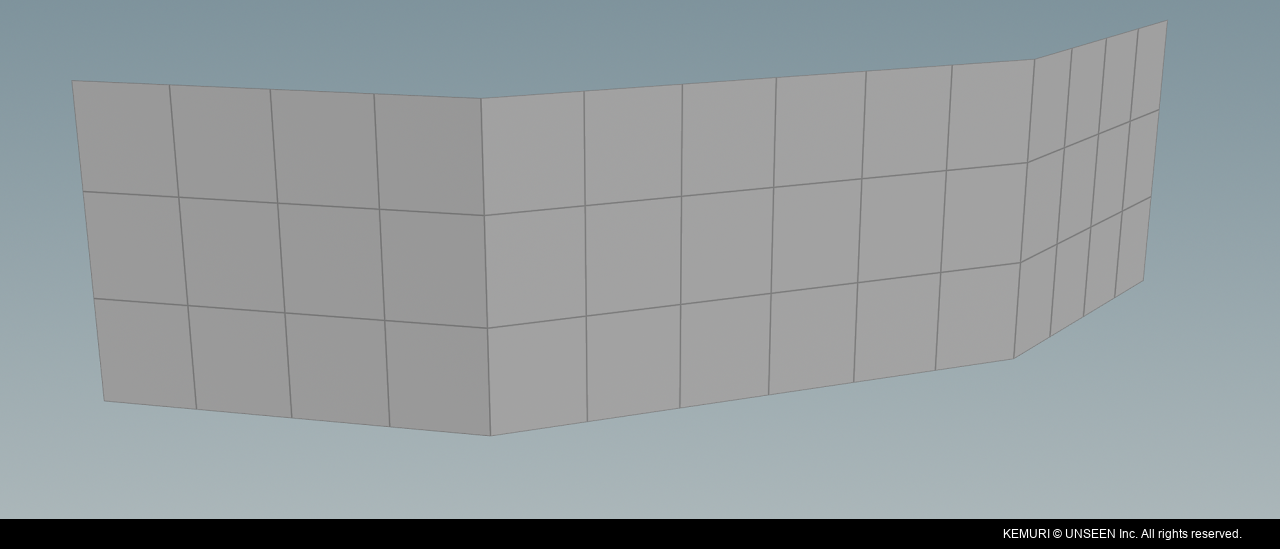
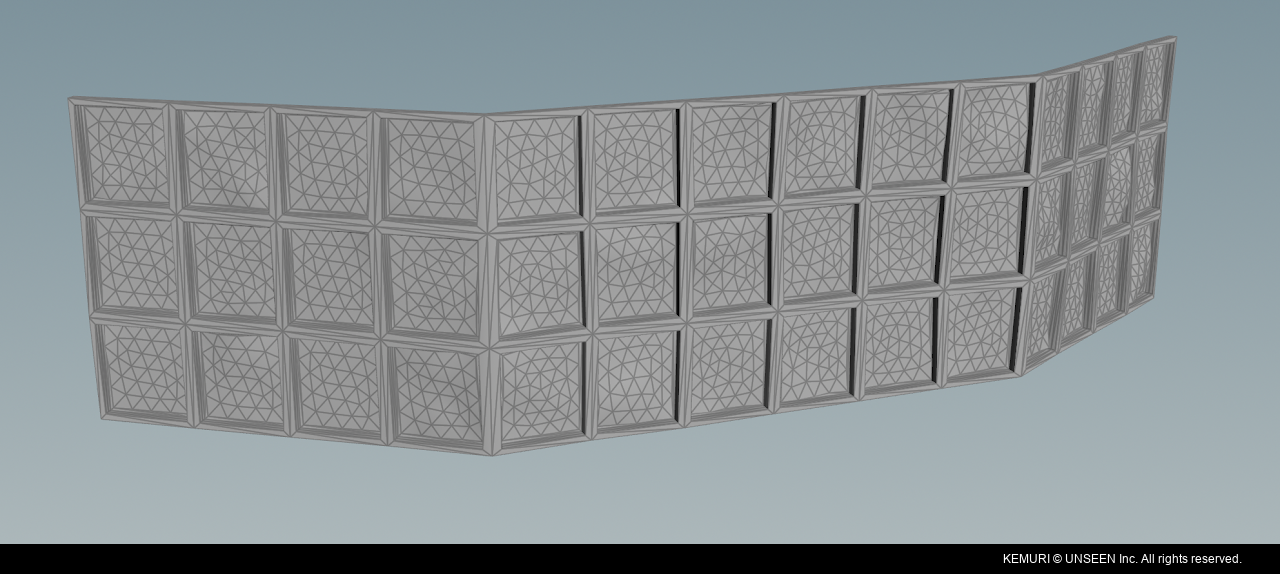
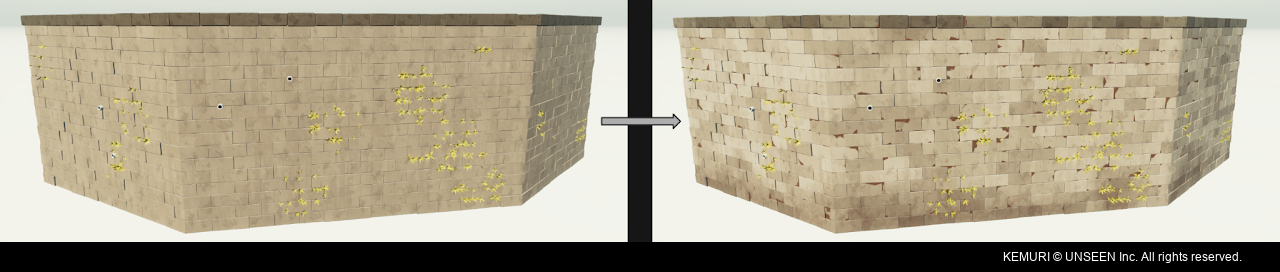
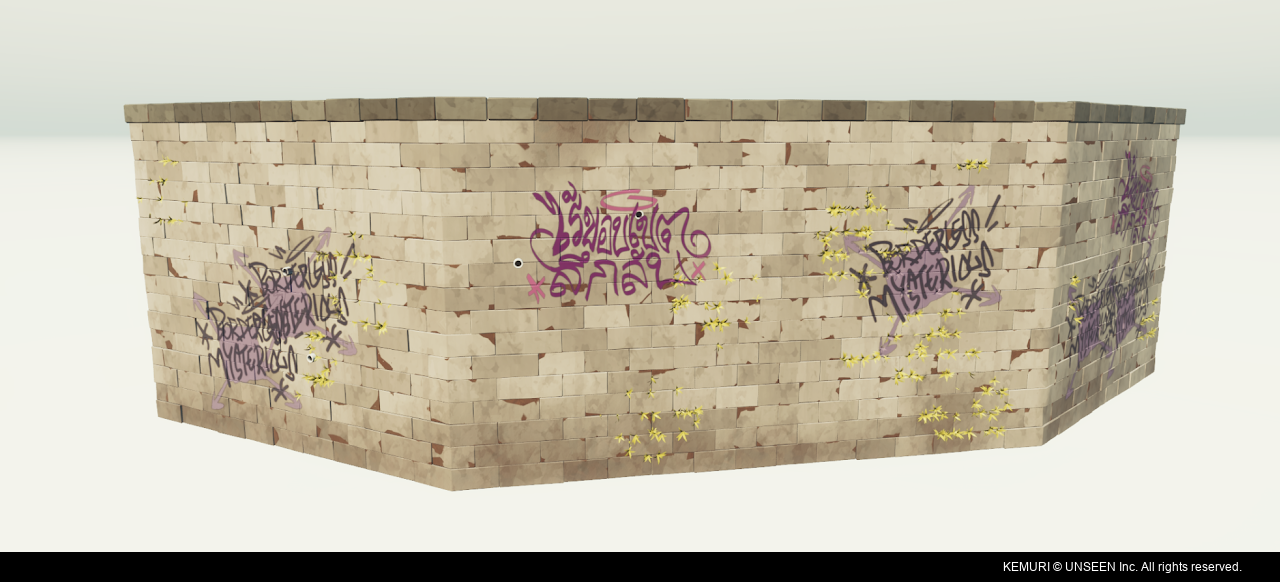
Vertex colors are used to introduce color variation and dirt across the wall.
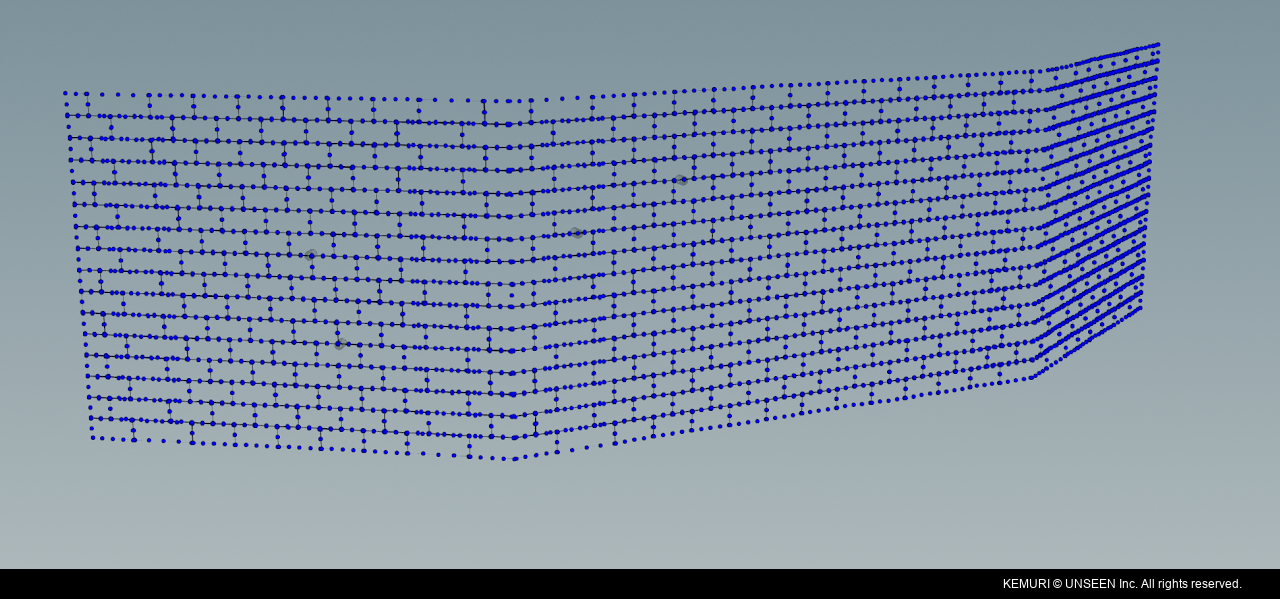
The tool to scatter additional details such as plants, pipes and decals across the walls using point cloud data.
Connecting procedural tools
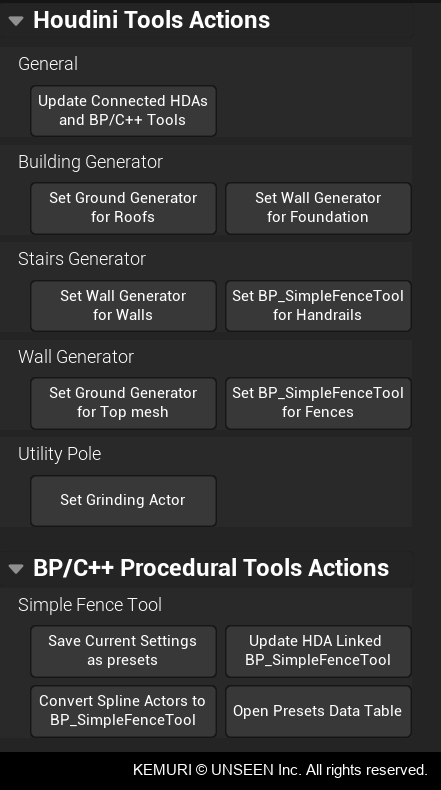
Some workflows required different procedural tools to work together for better artistic control, including connections between HDA actors and non-Houdini tools.
Kieran Belkus developed a custom component that allowed Houdini assets to communicate with one another. I used this component to build scripts that connected the different tools and automated parts of the workflow.
For example, artists could select a Building Generator and use the "Set Ground Generator for Roofs" script to add a Ground Generator to it. This allowed the roof to be created with a Ground Generator tool, giving artists more control and detail than the Building Generator's default roof.
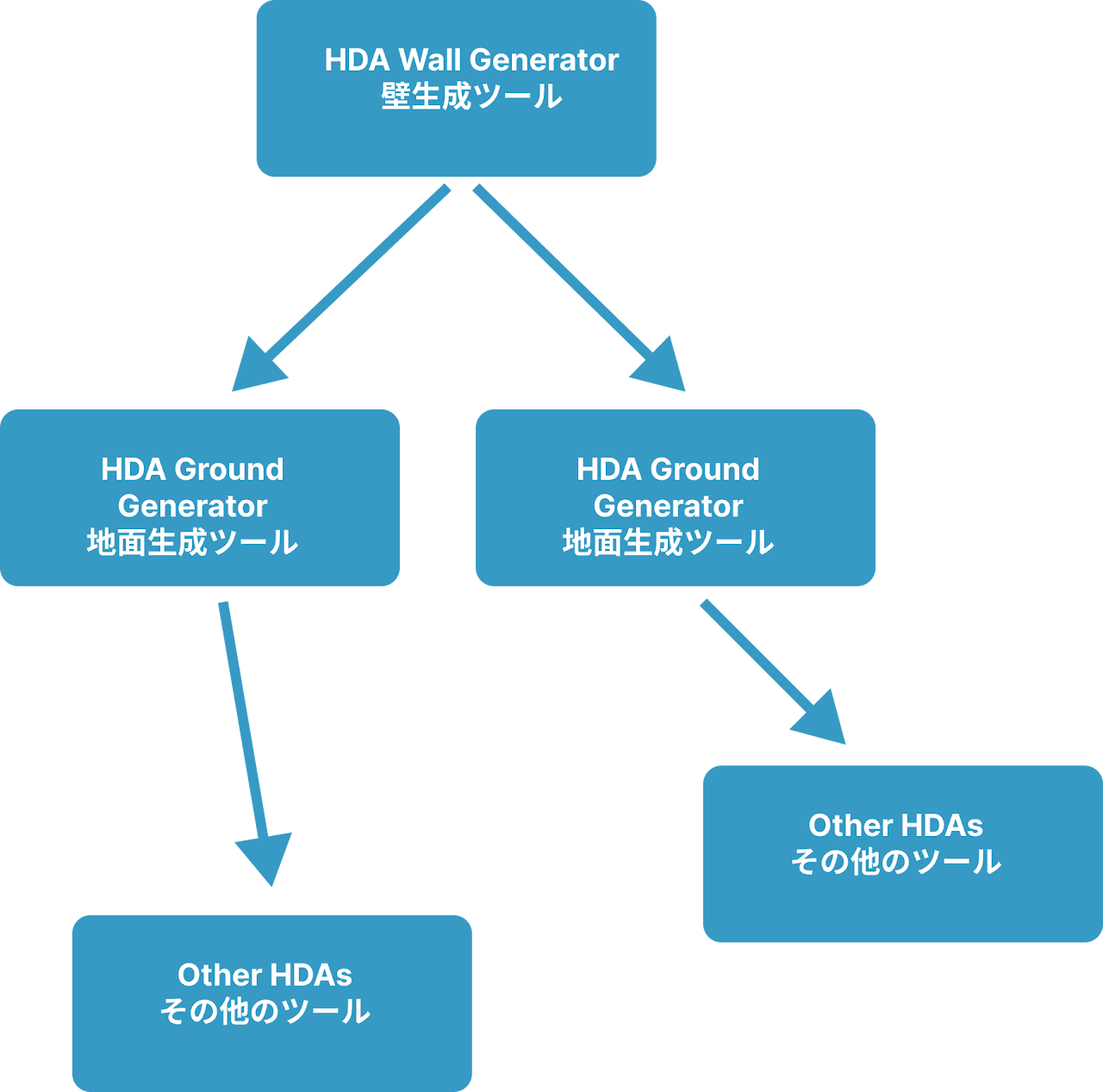
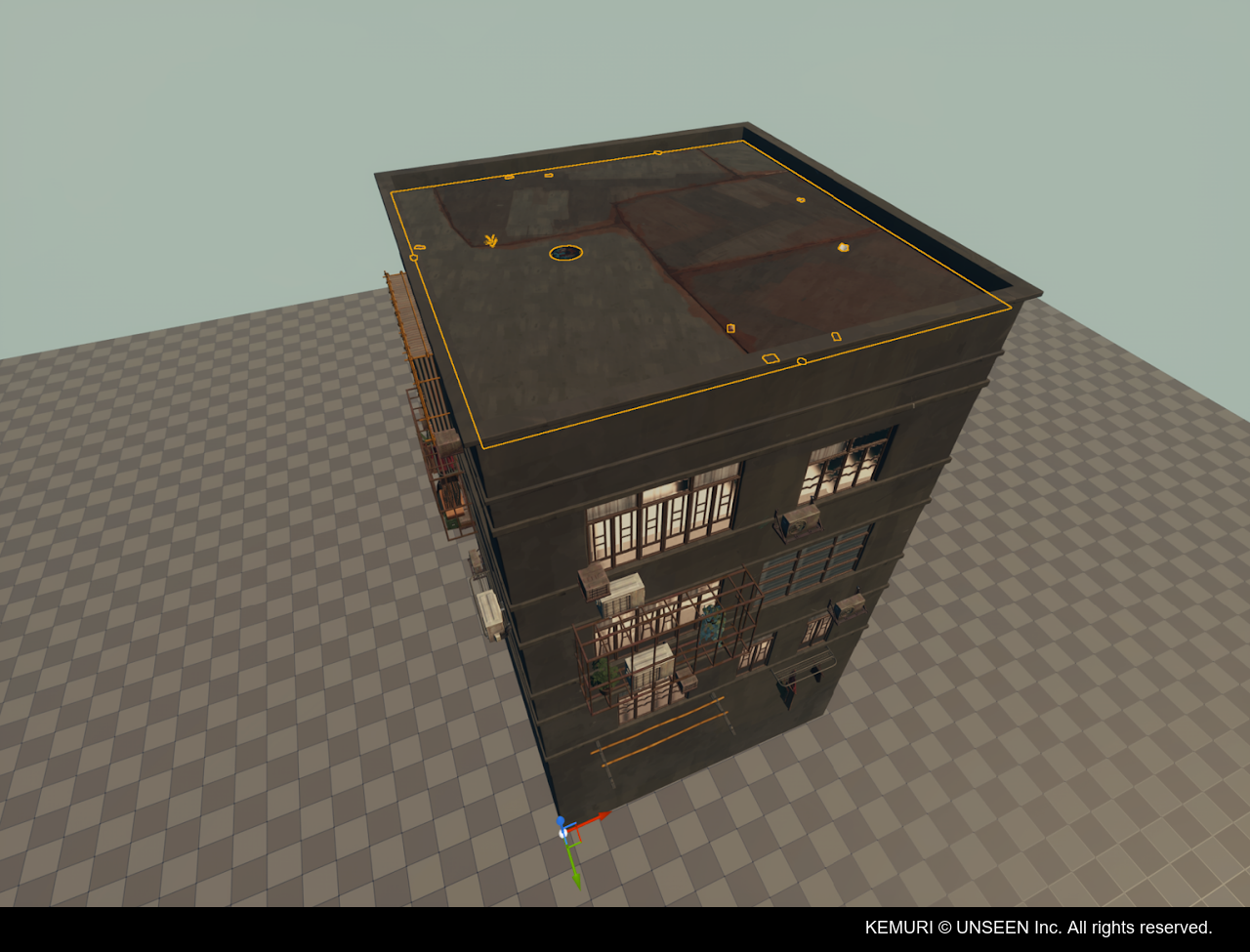
Building Generator connected to the Ground Generator to create more detailed roofs.
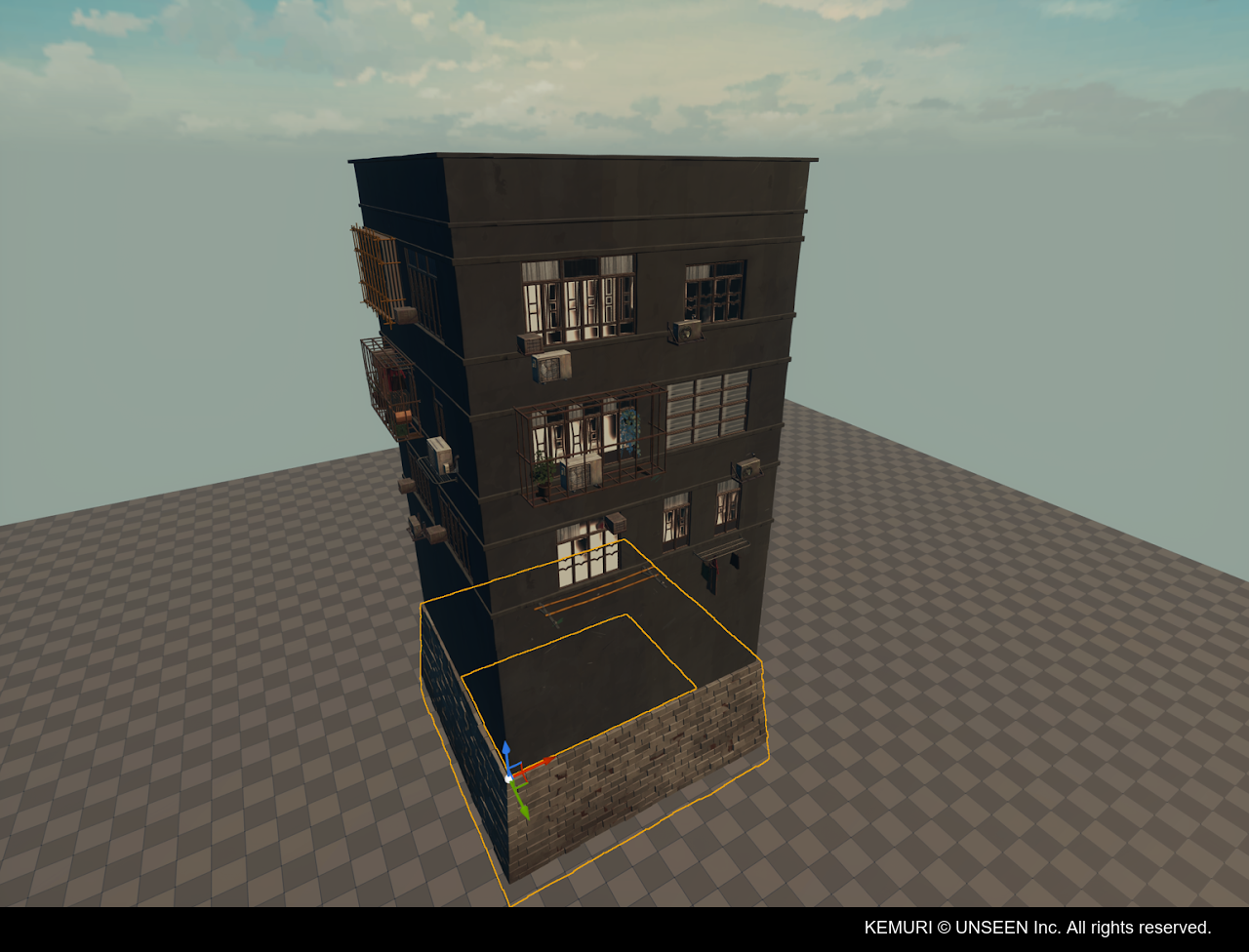
Building Generator connected to the Wall Generator to create detailed walls at the base of the building.
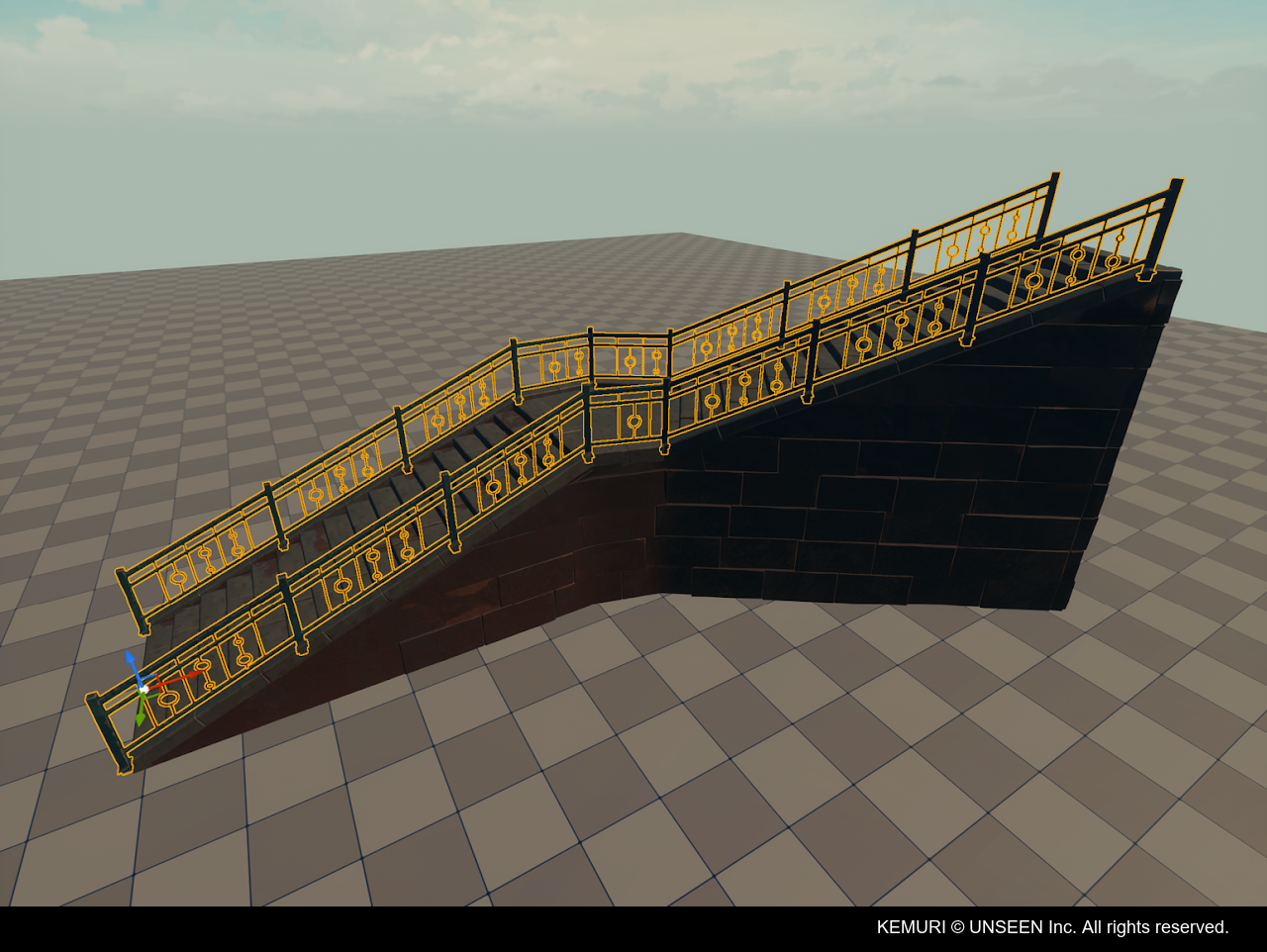
Stairs Generator connected to the Wall Generator for the surrounding walls, and also connected to the SimpleFenceTool Blueprint which is generating the fences.
Hi-Fi Rush
Released on 2023Role: Environment Artist
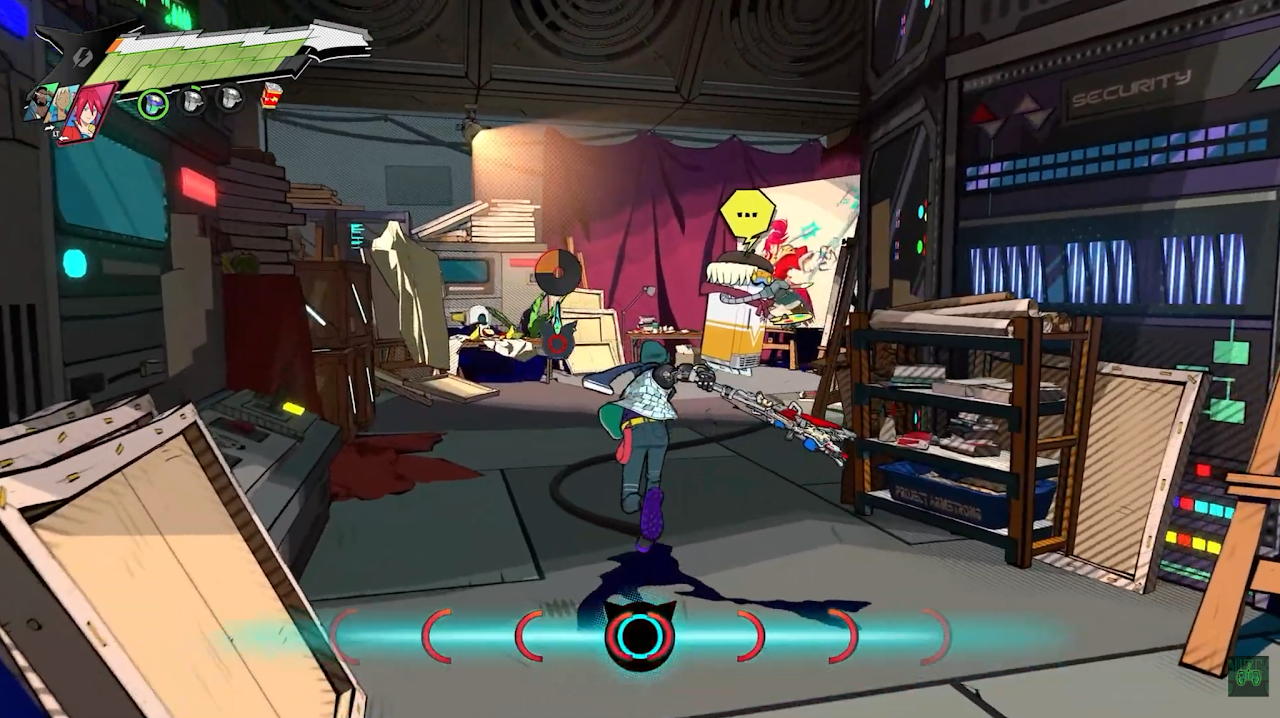
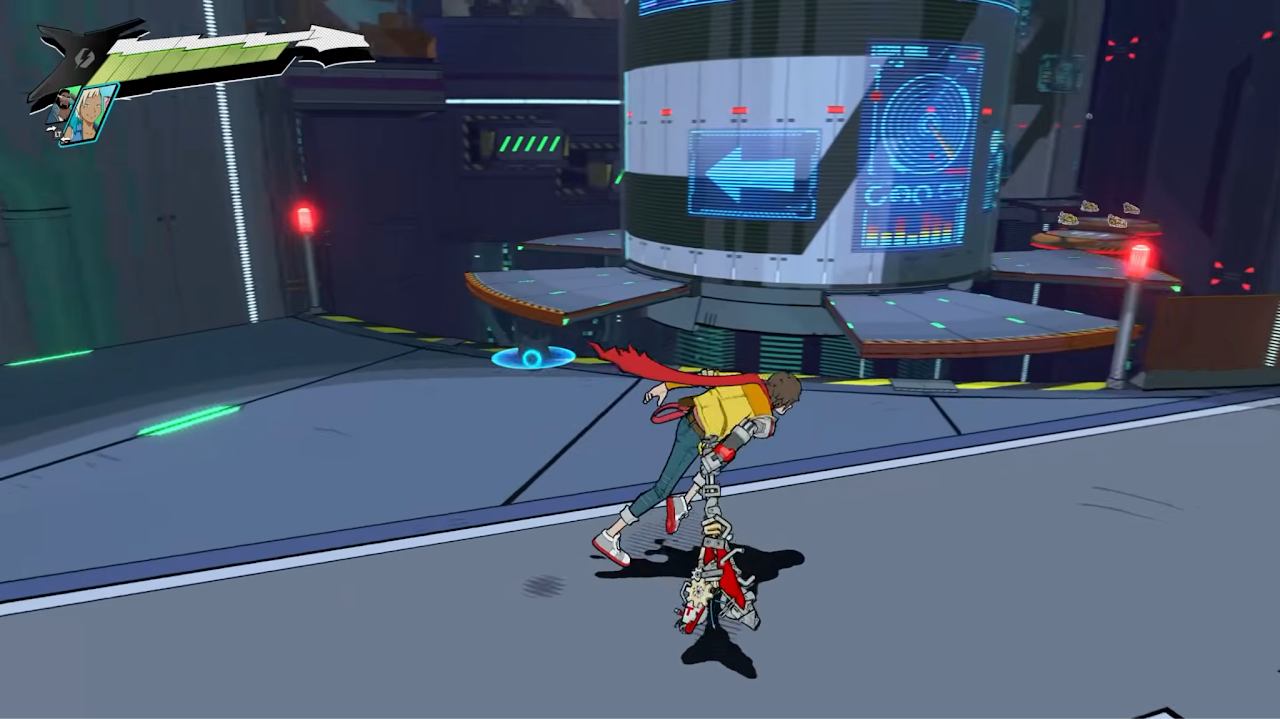
A selection of environments I worked on for Hi-Fi Rush, including greyboxing, level layout, lighting and some 3D modeling/assets.
Ghostwire: Tokyo
Released on 2022Role: Environment Artist
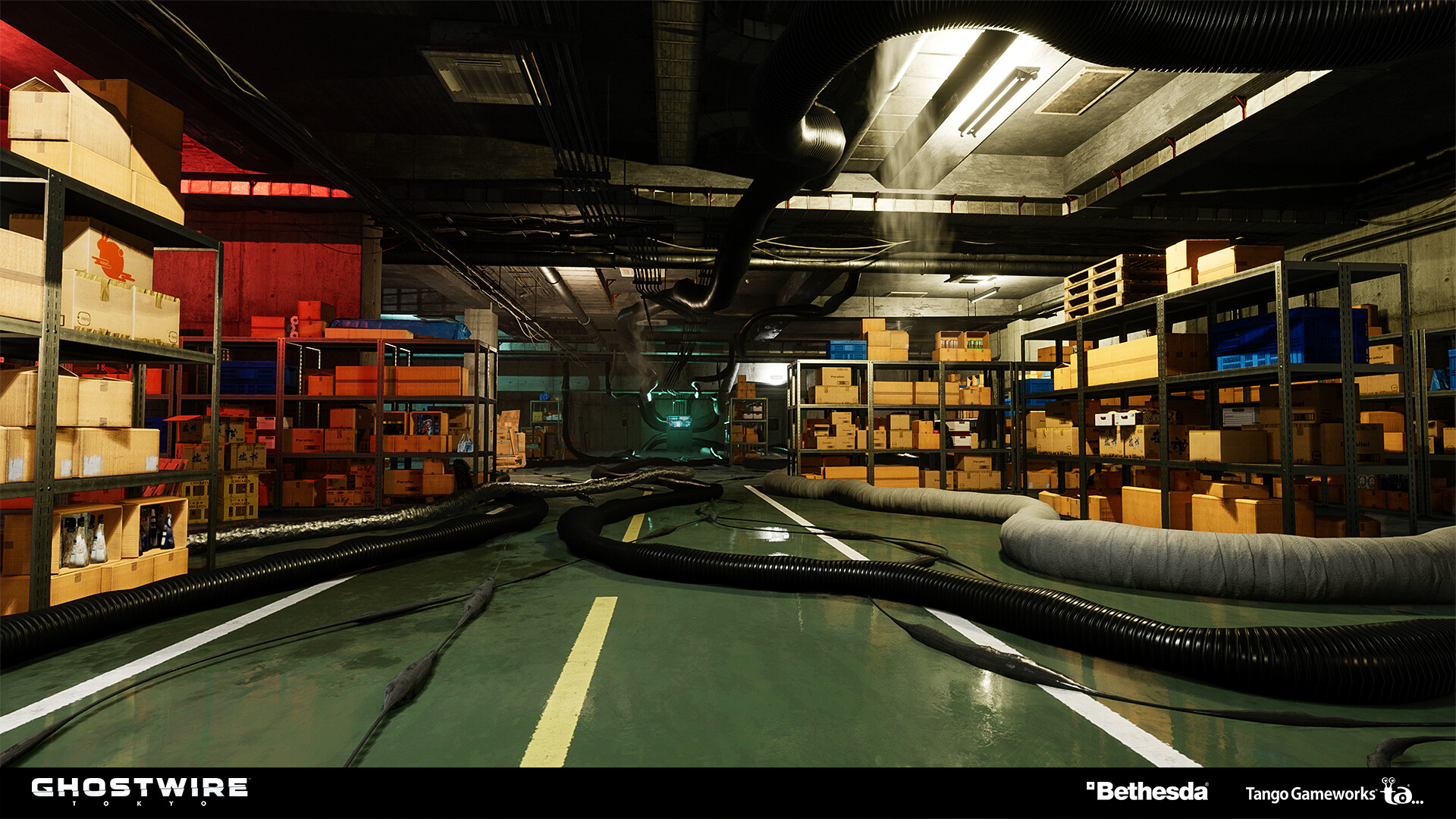
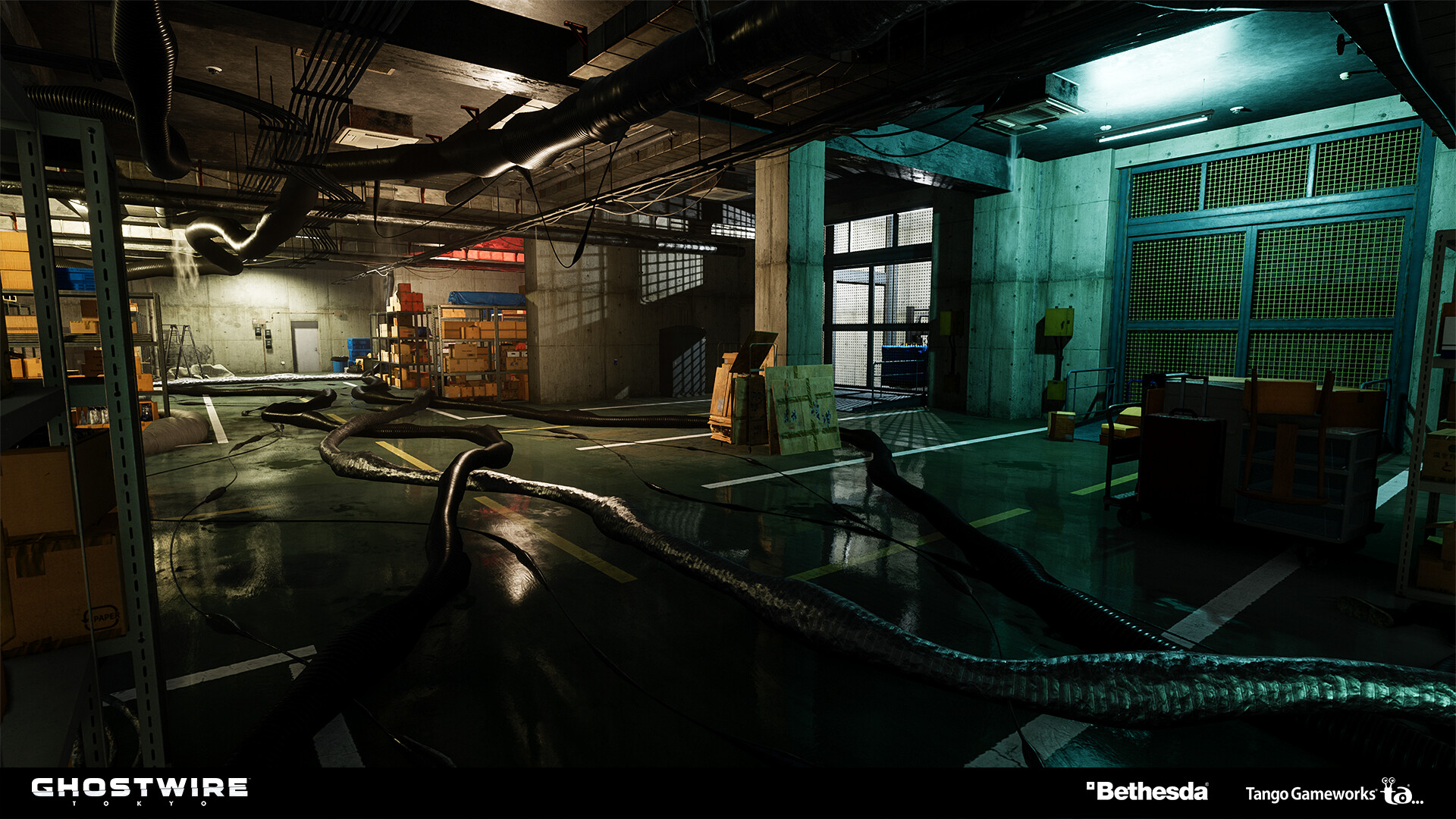
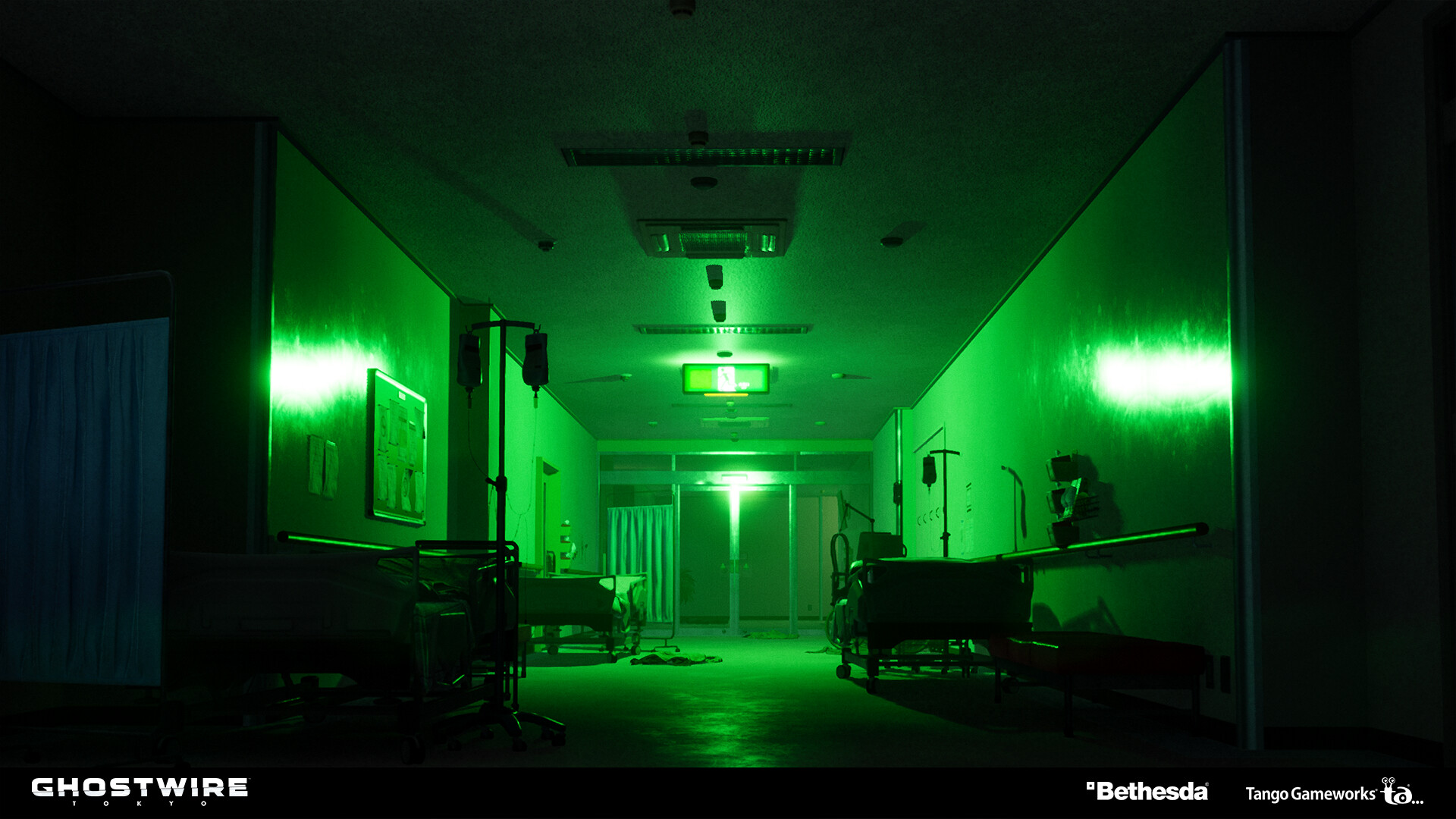
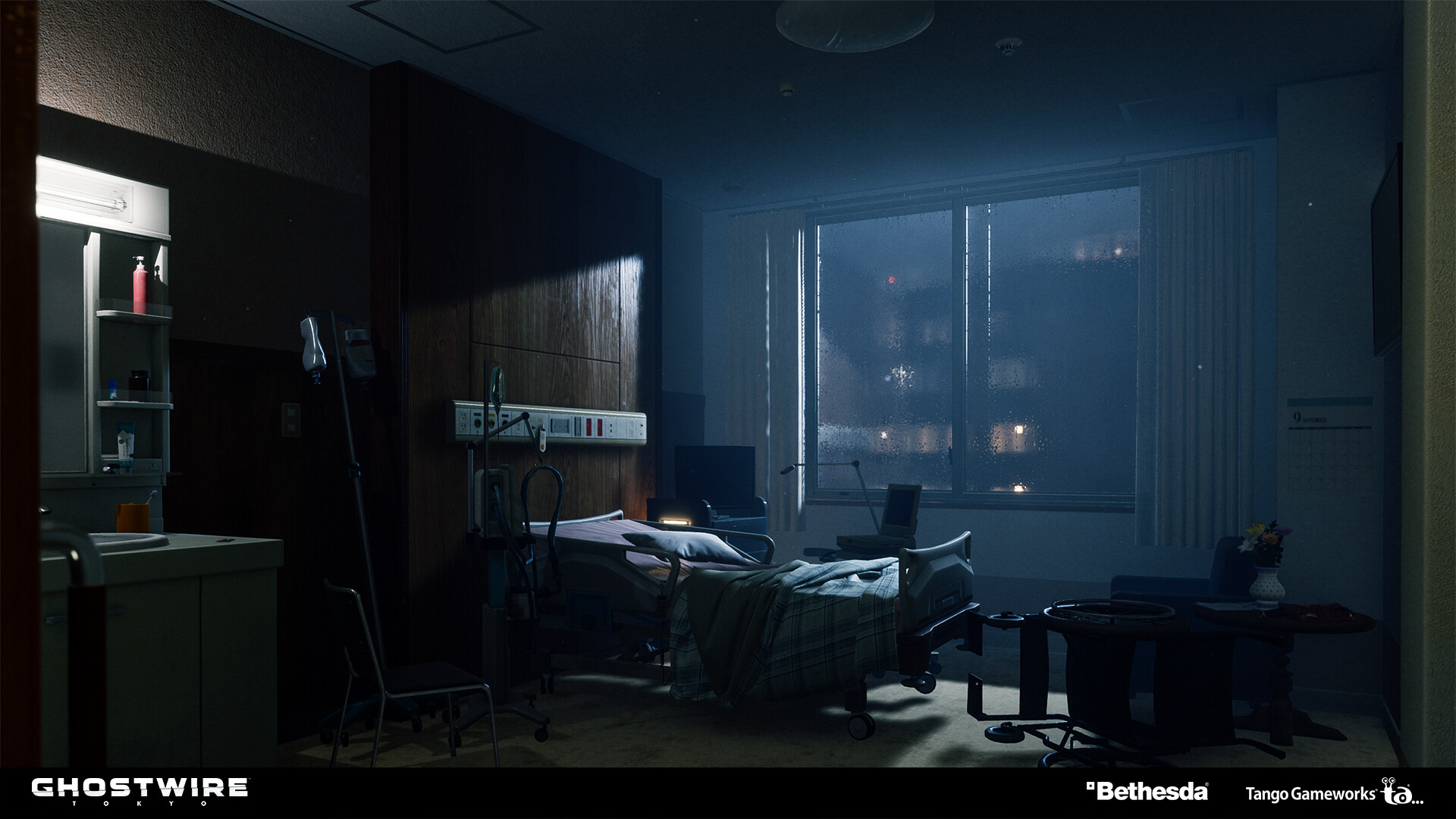
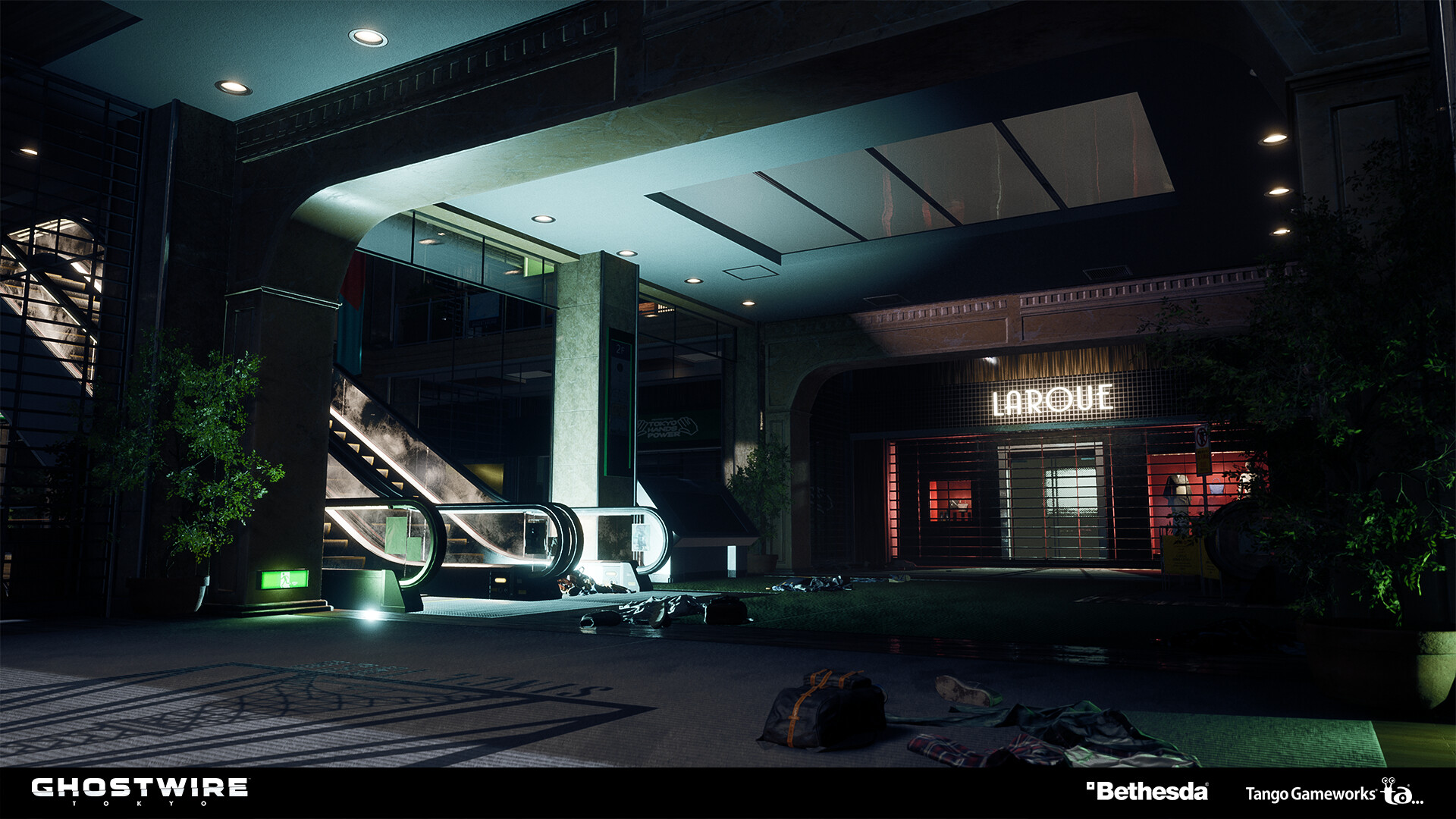
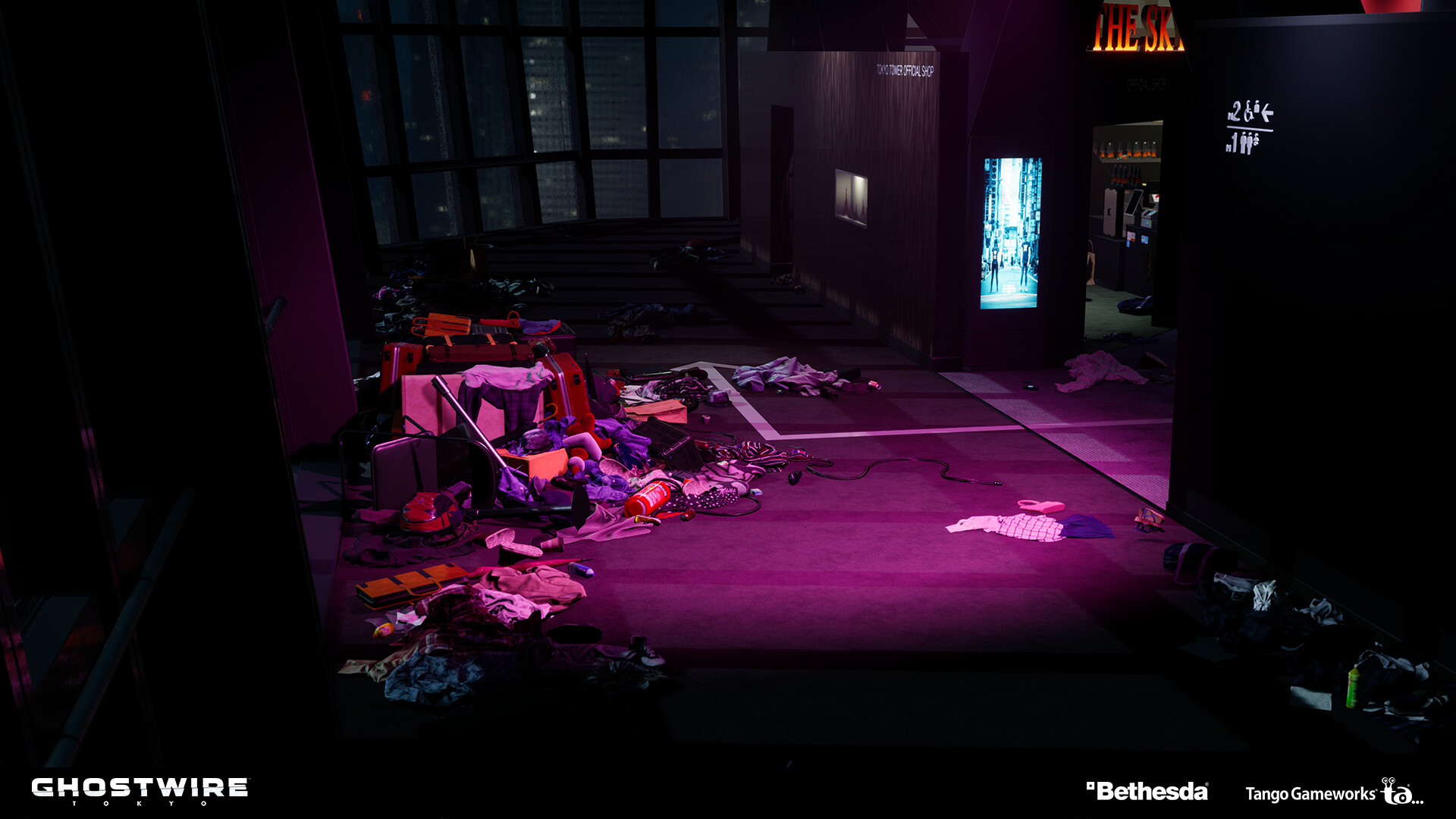
A selection of areas I was responsible for in Ghostwire: Tokyo. My responsibilities included environment research, greyboxing, layout, lighting and 3D modeling.
*Assets,textures and materials were done by various people in the environment team and outsourcing.
Sengoku Center building
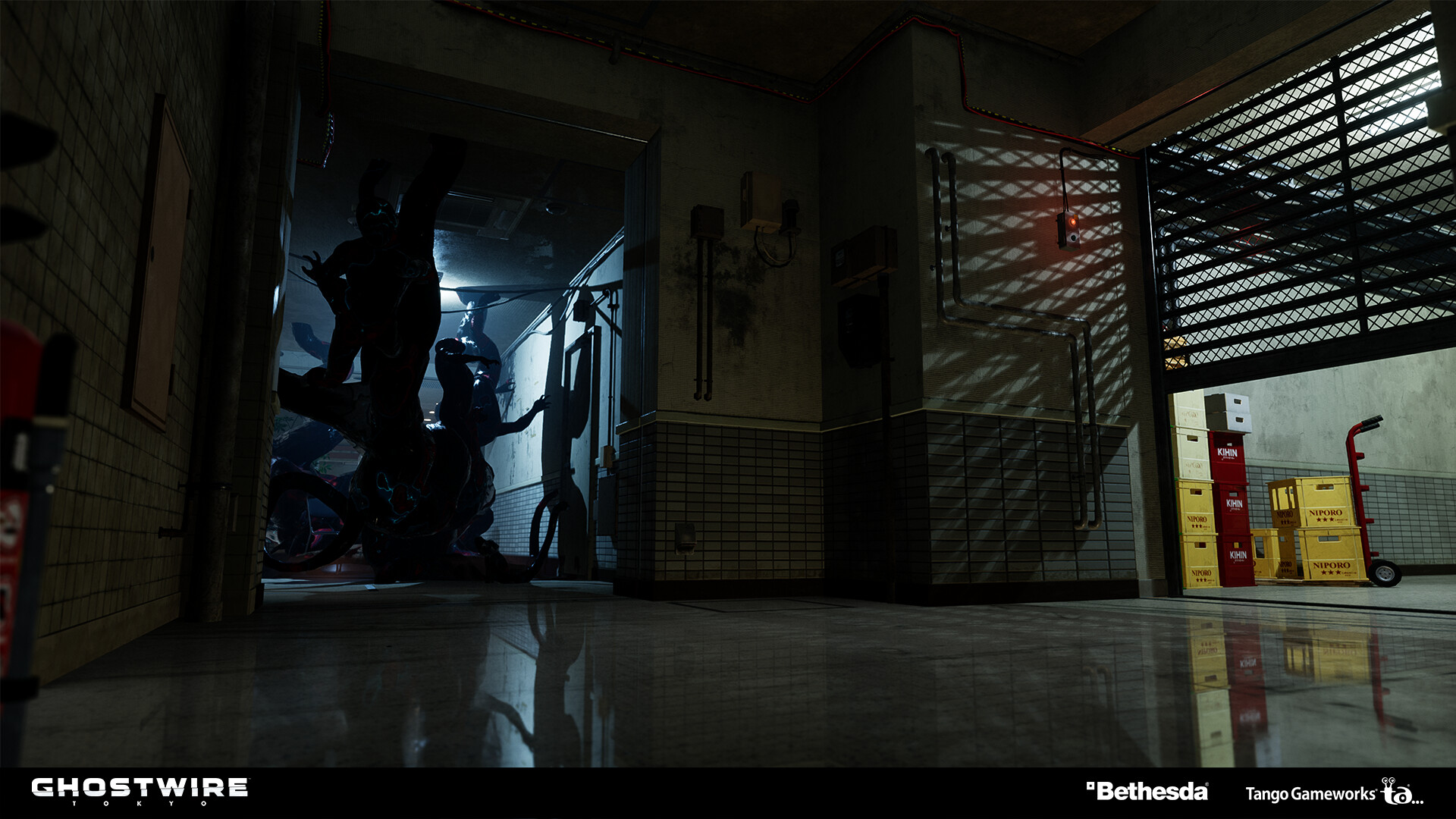
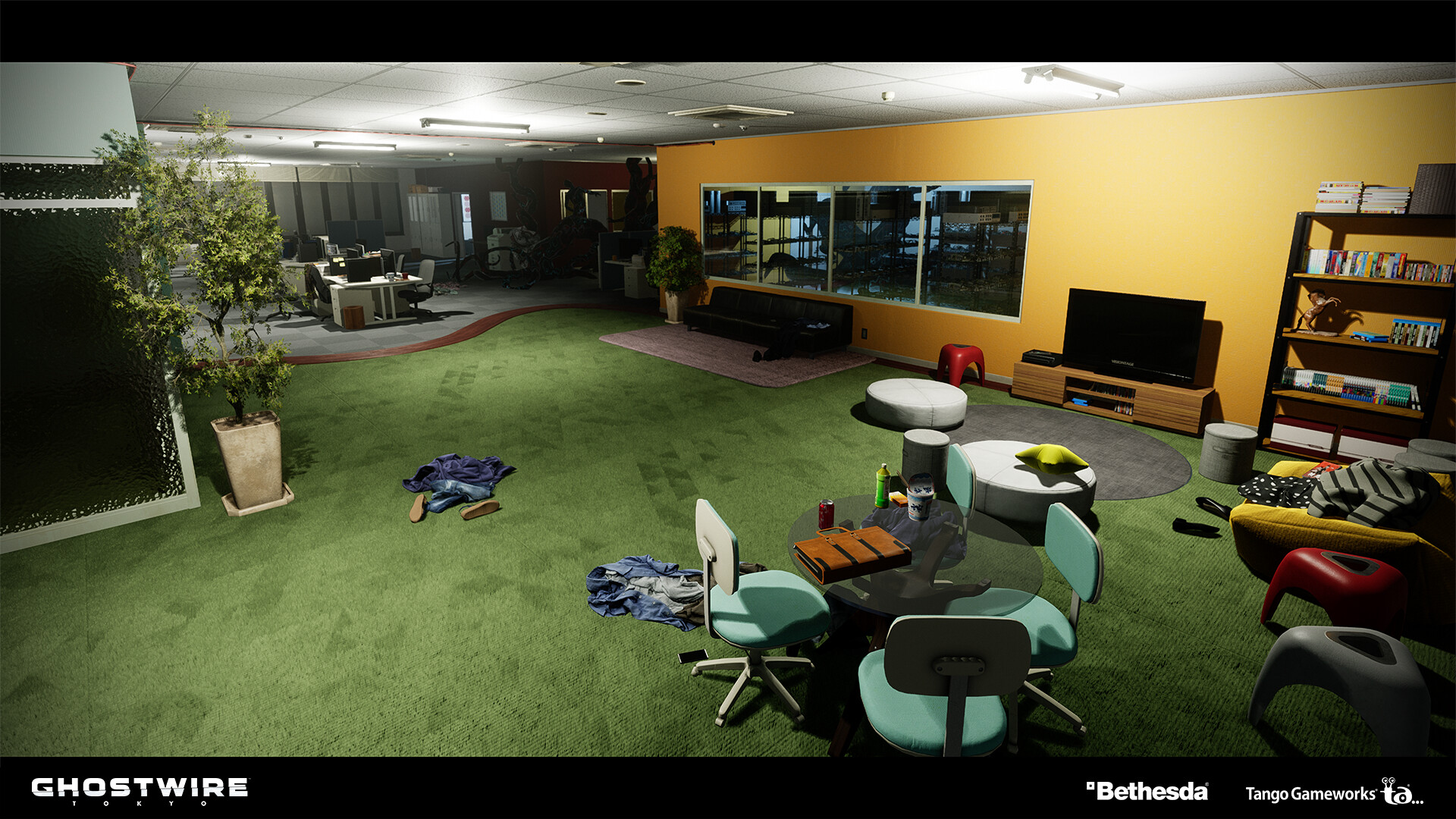
Special thanks to Junya Fujii, who was responsible - and did a great work- for all the parts with staging effects, and for the placement of the cables in the two pictures below.
Shibuya Central Hospital
Tokyo Tower
Personal Projects
2018 Personal Project